Delete the unnecessary video
You can use Deep clean to see all videos that are saved on your phone. You can
delete the unnecessary ones and free up space.
Delete app data
You can use Deep clean to view the storage use of each app on your phone and
free up space.
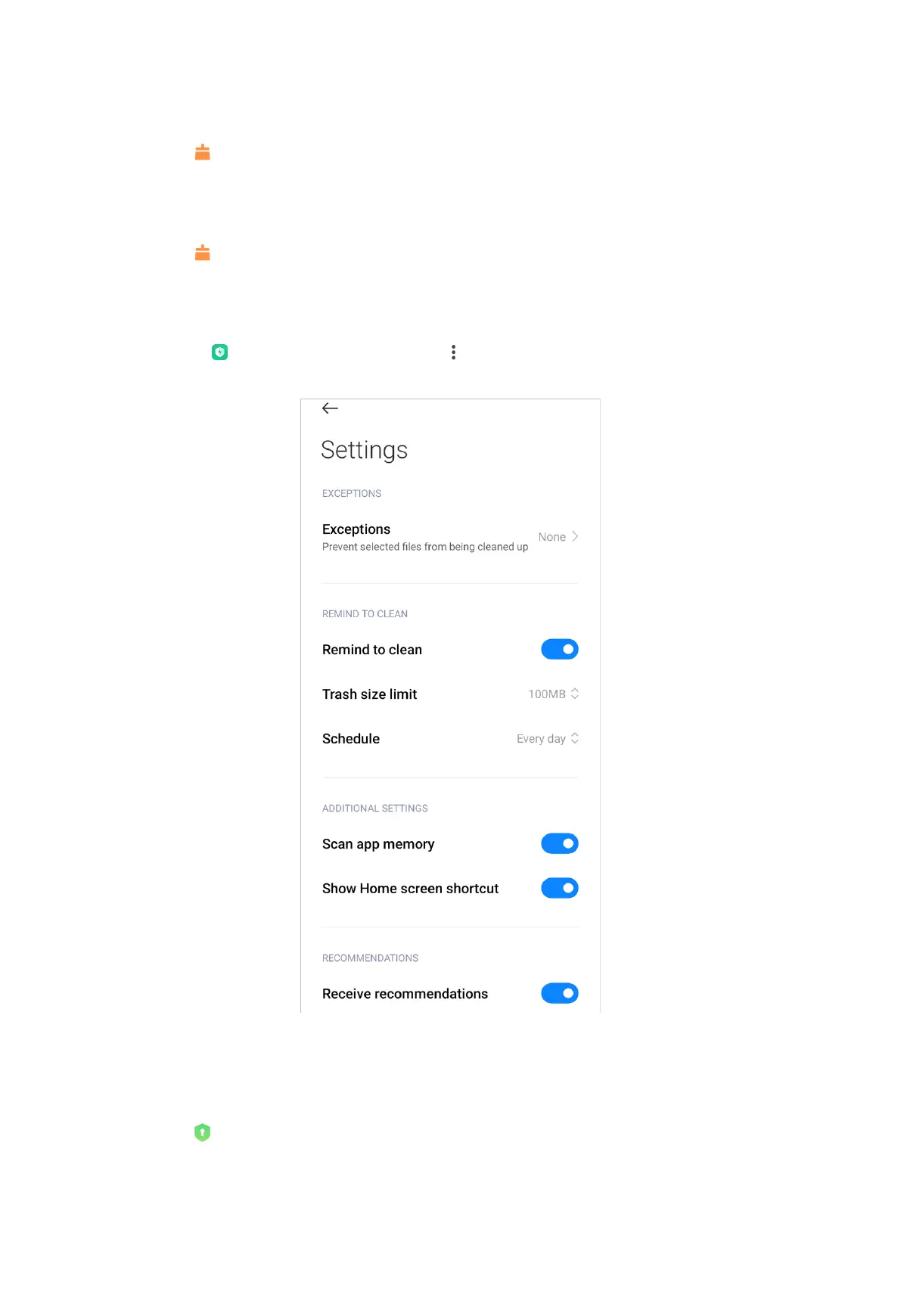
Deep clean settings
You can go to
Security > Deep clean > > Settings to do the deep clean
settings. For example you can enable or disable Remind to clean.
App lock
Set password
You can use App lock to protect the data of individual apps and your privacy.
162



 To Next Page