NOTE: You can move the tilt-shift area to the place that you want to blur or be
clear.
Tip:
You can tap for circle tilt-shift or for linear tilt-shift.
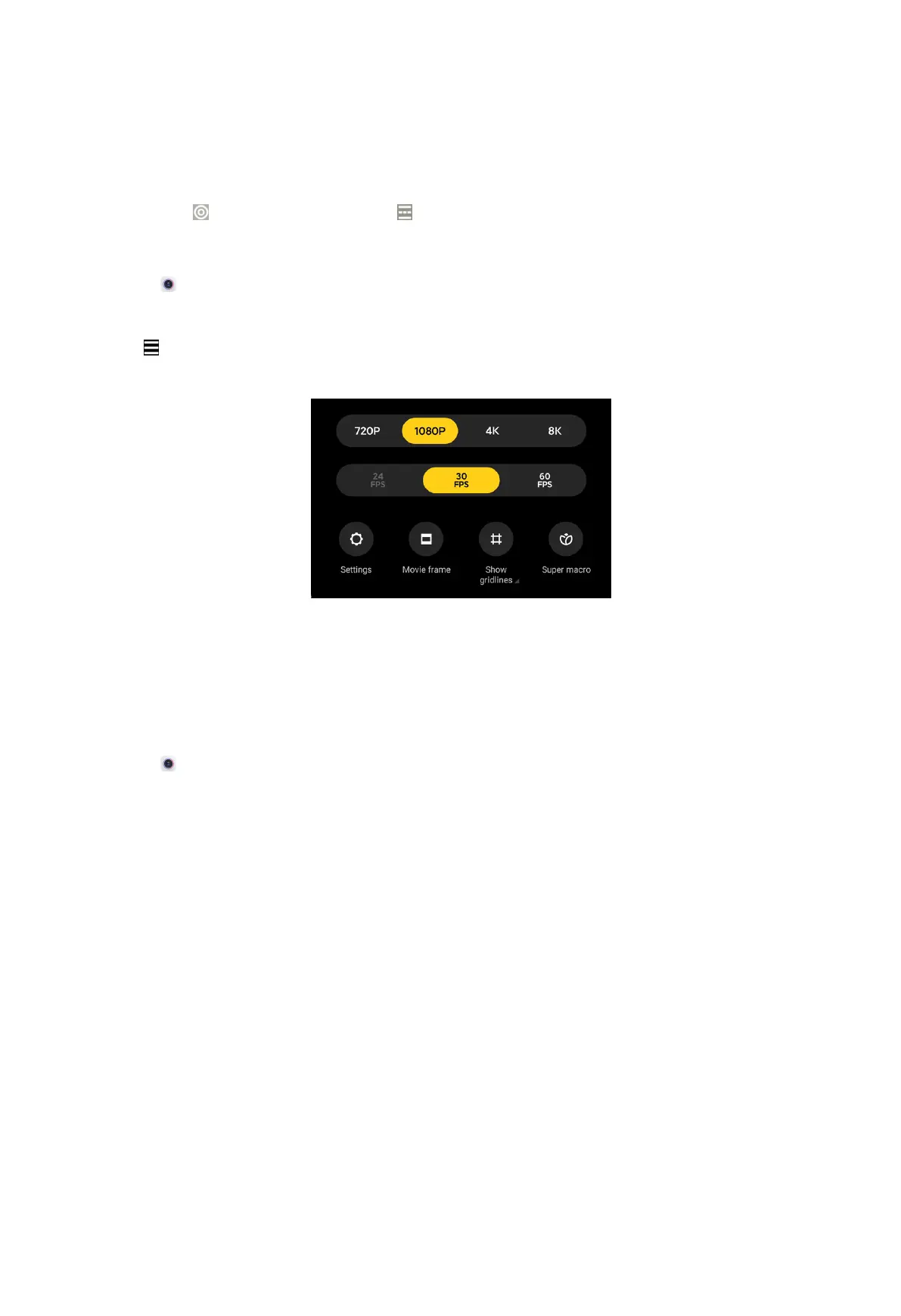
Adjust video resolution and frame rate
1. Open Camera.
2. Select Video.
3. Tap at the upper-right corner.
4. Choose a video resolution and frame rate.
NOTE:
You can adjust video resolution and frame rate in both Pro and Video modes when
you take a video.
Take photos
1. Open
Camera.
66



 To Next Page