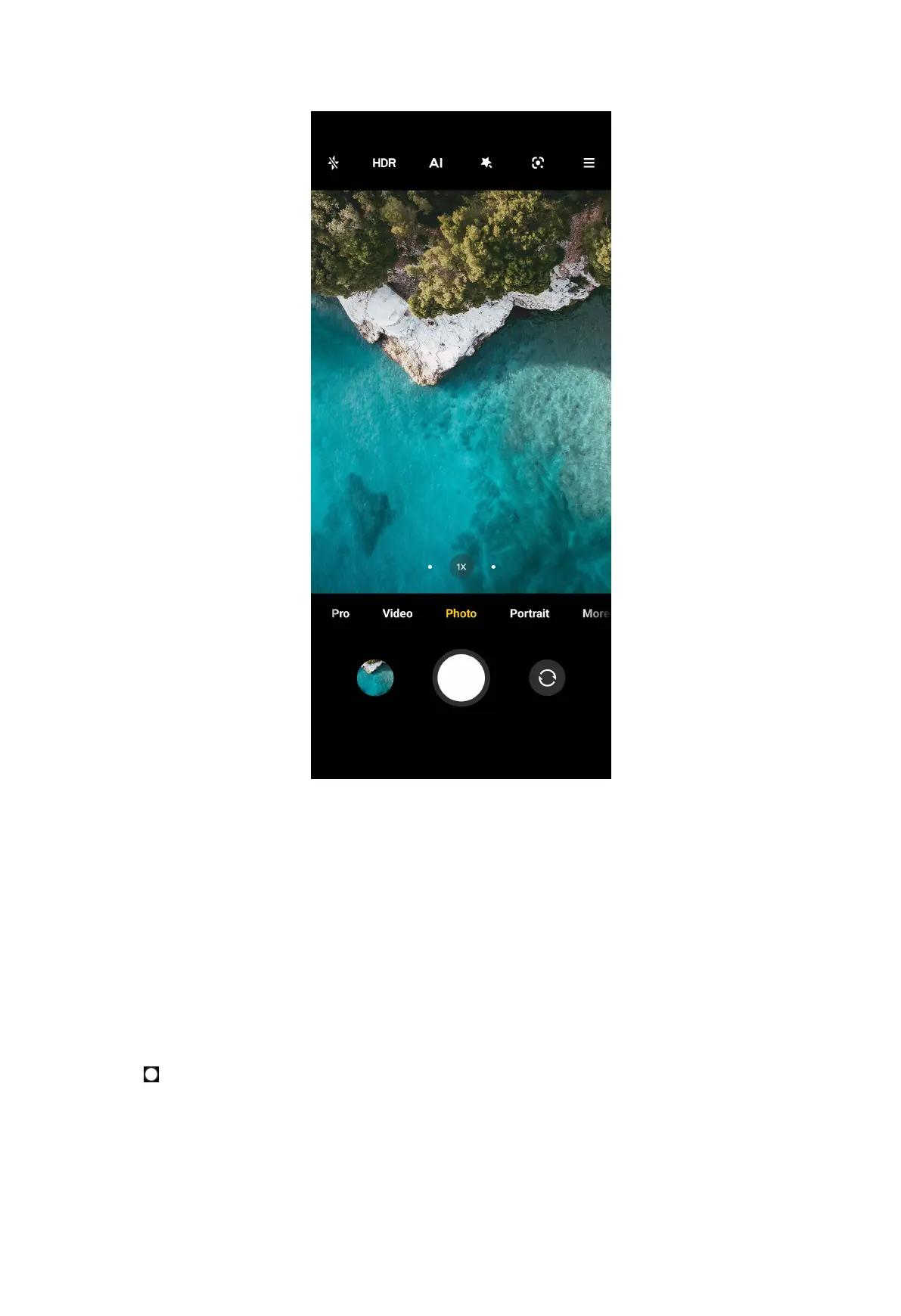
NOTE:
The default mode is Photo, you can swipe left or swipe right to choose other
modes to shoot.
2. Do the following options based on your needs.
• Tap somewhere or subjects on the screen to focus on. See Set the focus on
page 51 for more information.
• Adjust exposure. See Adjust the exposure on page 51 for more information.
• Zoom in or out. See Zoom in or out on page 52 for more information.
• Turn on the flash. See Turn on the flash on page 53 for more information.
3. Tap
to take a photo.
67



 To Next Page