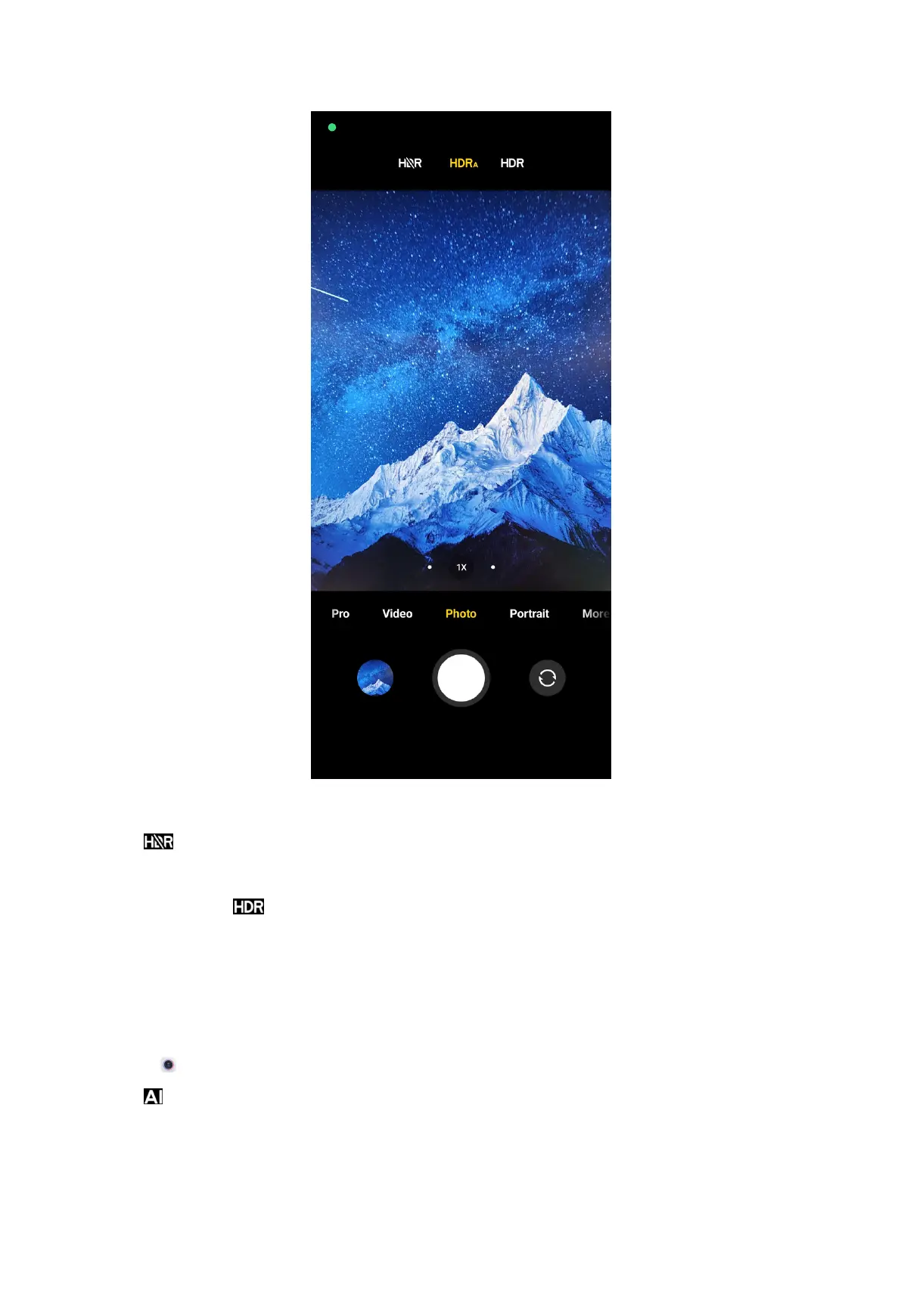
NOTE: The camera enables automatic HDR by default.
3. Tap .
NOTE:
You can also tap to make HDR always on.
Enable AI camera
AI camera identifies subjects and scenes intelligently, and optimizes the camera
settings accordingly. It can identify a variety of scenes, such as blue sky, snowy
weather, sunrise and sunset, greenery, and document.
1. Open
Camera.
2. Tap to enable AI camera.
NOTE:
60



 To Next Page