Photos
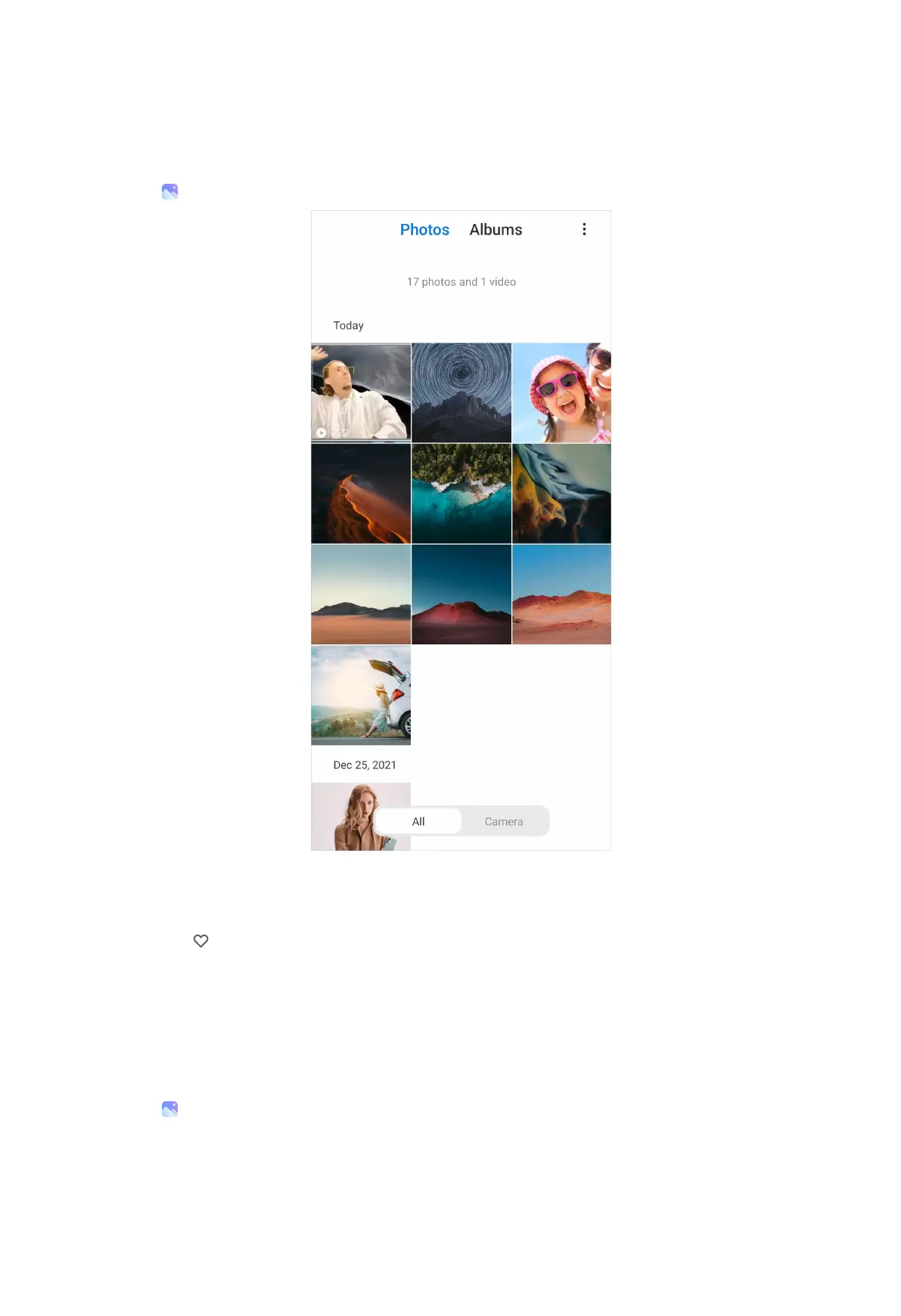
View pictures
1. Go to Gallery > Photos.
2. Tap a picture to view details.
Tip:
You can tap
to mark the picture as favorite.
NOTE:
You can find Favorites on the Albums tab.
3. Swipe left or right to view other pictures or videos.
Manage pictures
1. Go to Gallery > Photos.
2. Choose a picture.
94



 To Next Page