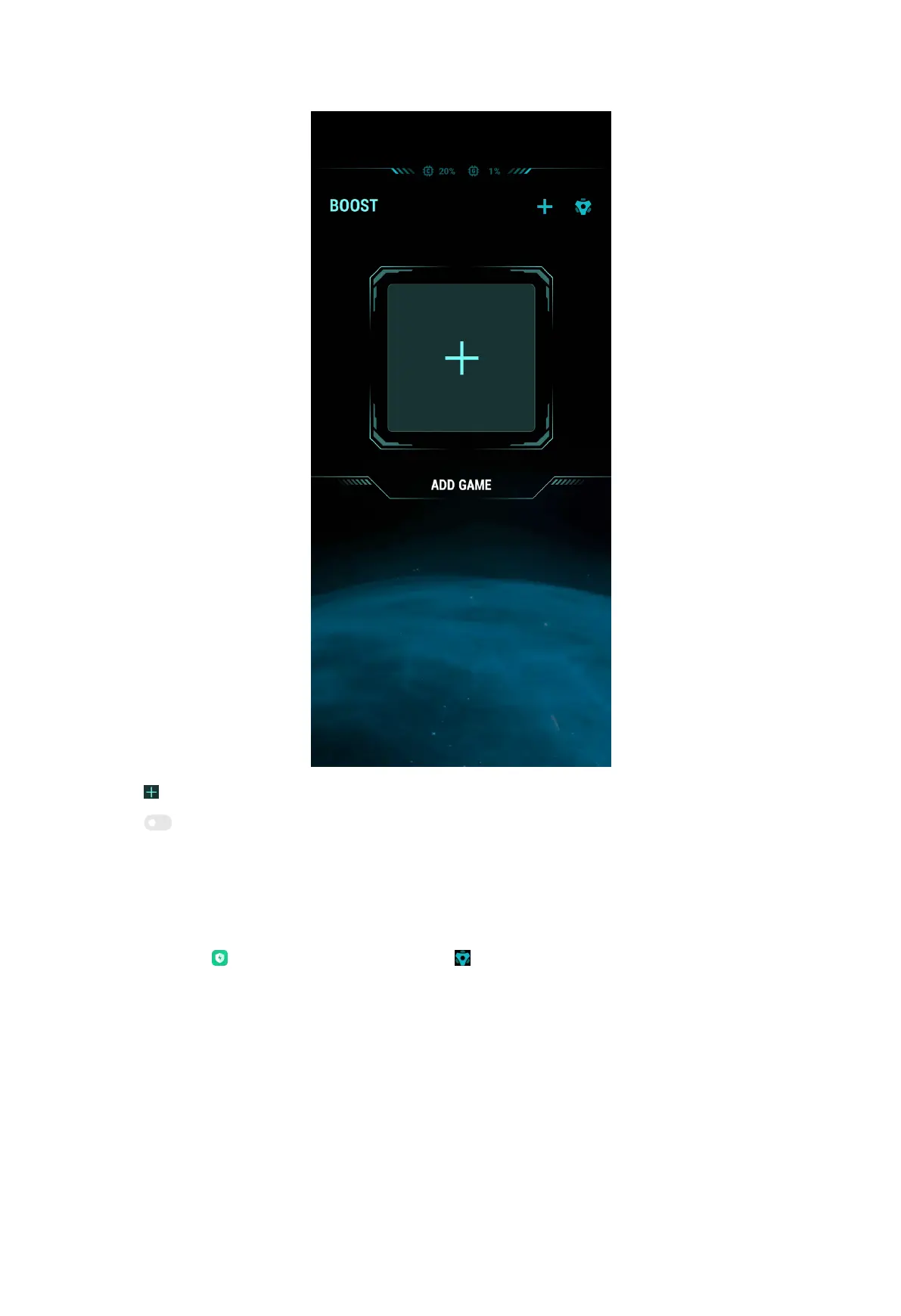
2. Tap to select games.
3. Tap to add the games to Game Turbo.
4. Go back to the start page and swipe right to select the added games.
5. Tap Open to launch the game with Game Turbo.
Game Turbo settings
You can go to
Security > Game Turbo > to limit the speed of background
downloads, restrict sync, and make sure your device do not switch between
networks when you play games.
167



 To Next Page