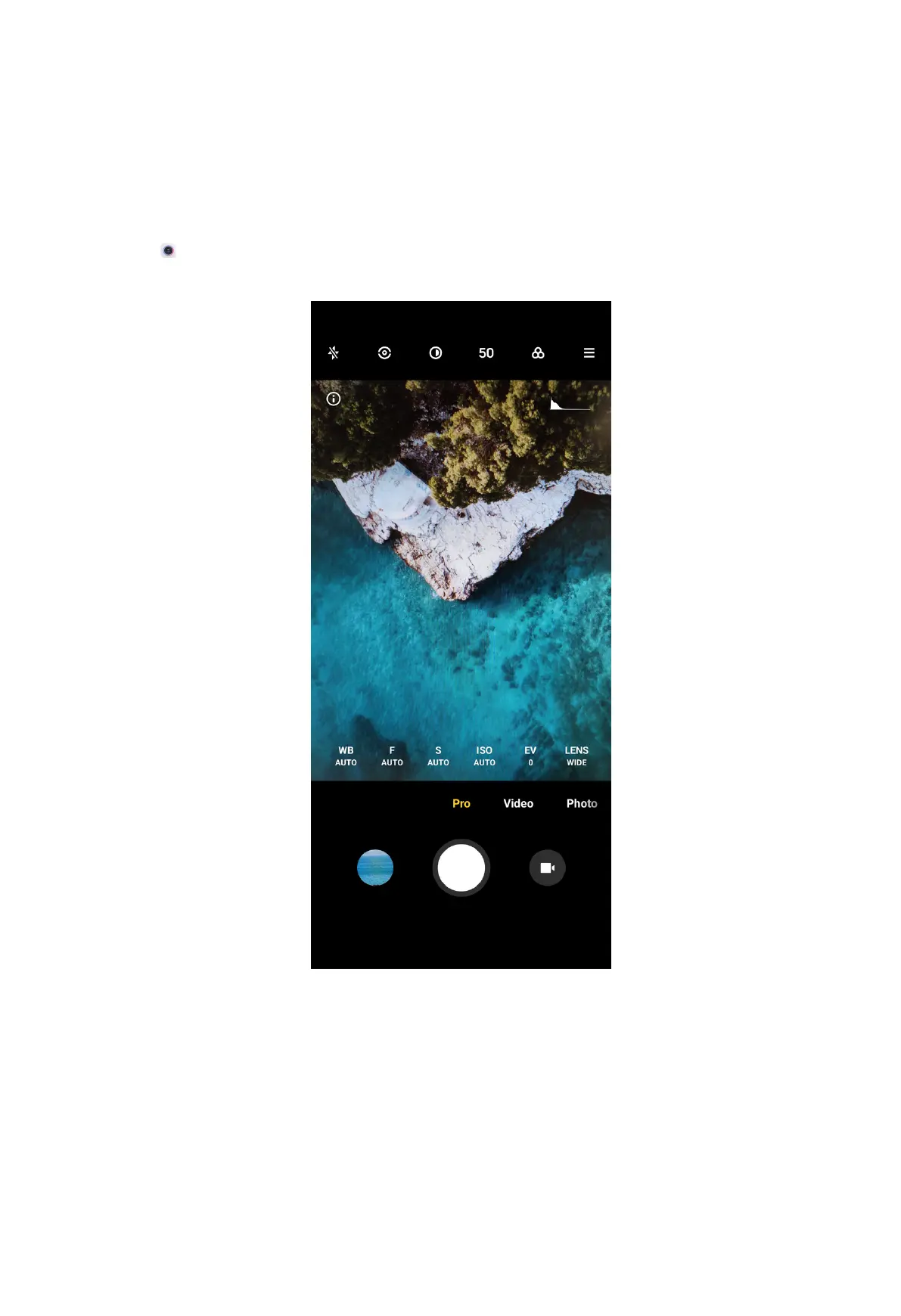
Pro mode
You can adjust the white balance, focus, shutter speed, ISO sensitivity, exposure
verification, lenses, and other features to take professional photos and videos.
Take photos in Pro mode
1. Open Camera.
2. Select Pro mode.
3. Adjust the Pro features.
• Tap WB to select the white balance effects.
NOTE: When you shoot in different environments, you can apply the
corresponding WB effects such as incandescent, daylight, and cloudy.
• Tap F and drag the slider to adjust the focus.
71



 To Next Page