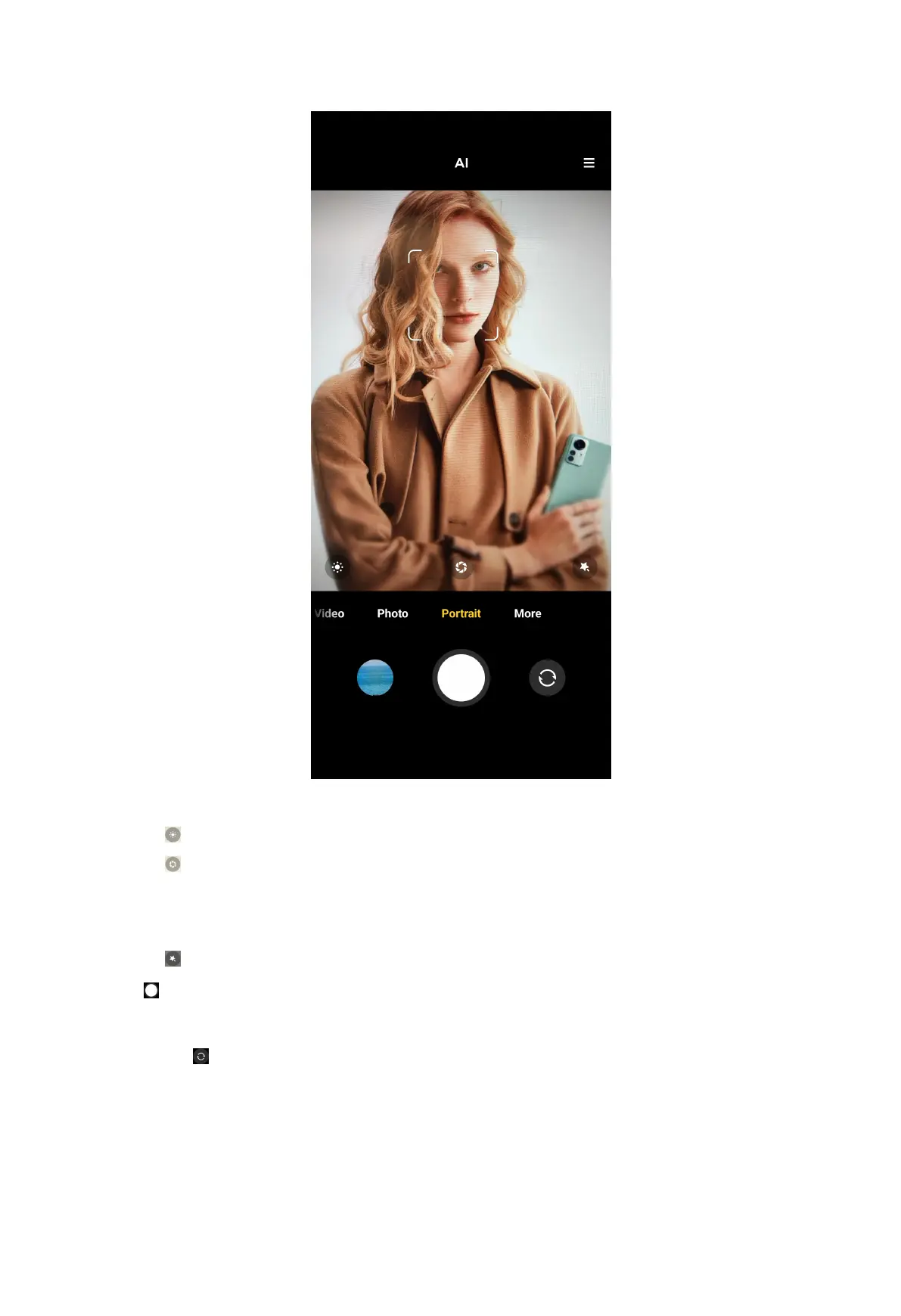
3. Choose to add effects.
• Tap
to add a cinematic effect such as Neon, Phantom, or Nostalgia.
• Tap and drag the slider to adjust aperture.
NOTE: A lower aperture value creates a more blurred background behind the
portrait.
• Tap to beautify the portrait and add filters.
4. Tap to take a photo.
NOTE:
You can tap
to take photos with the front camera.
70



 To Next Page