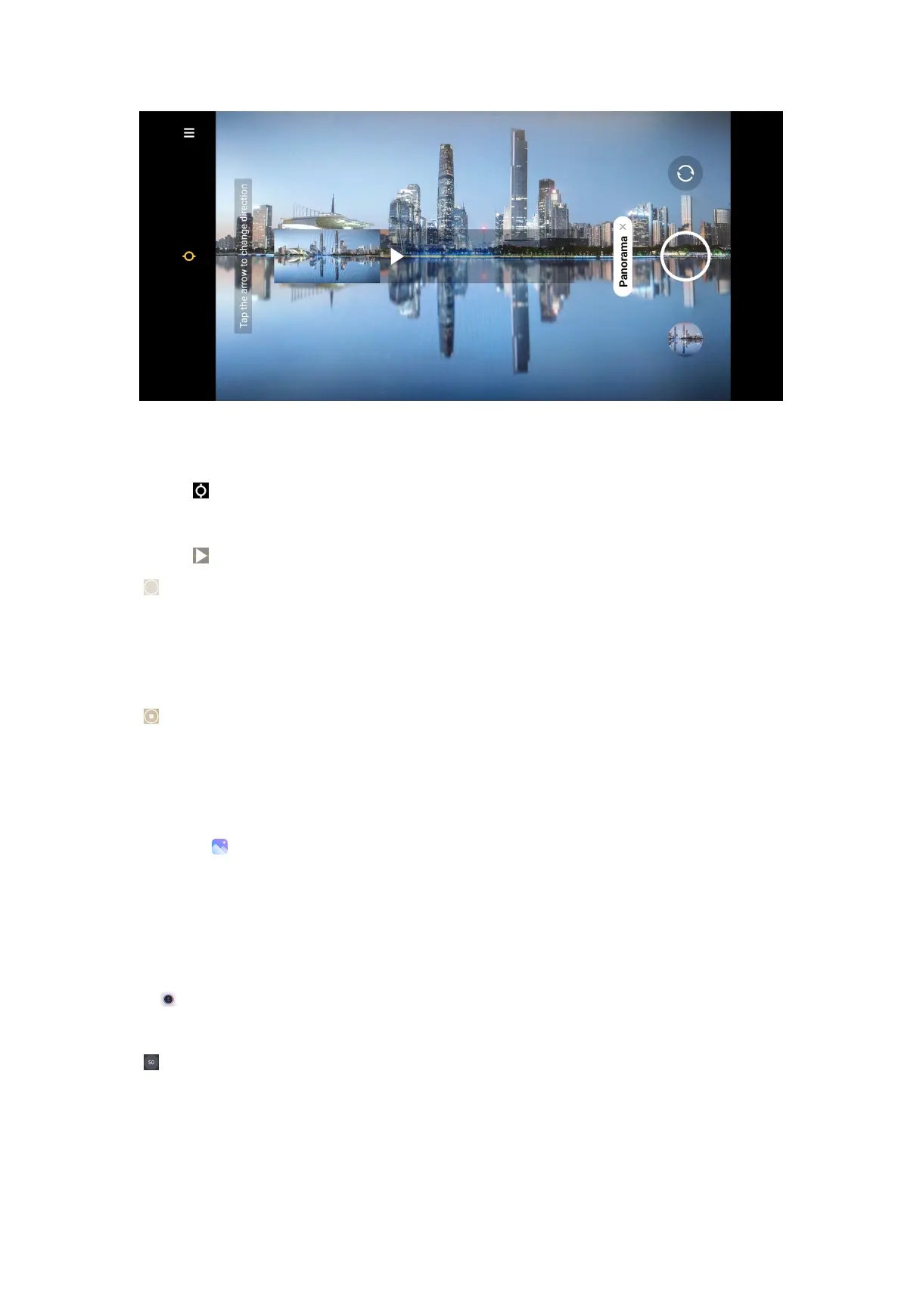
4. Point the camera at the starting scene of the Panorama photo.
Tip:
You can tap to change the start scene from horizontal level to vertical level.
Tip:
You can tap to change the start direction from left to right or bottom to top.
5. Tap to start your Panorama photo.
6. Move and hold the phone slowly according to the arrow direction.
Tip: You can keep the camera steady and align the arrow with the line when you are
shooting.
7. Tap
to finish the Panorama photo.
NOTE: If you finish the Panorama photo all the way along the reference line, it ends
automatically.
NOTE:
You can go to to view and edit the photo.
More
Take photos in 50M mode
The 50M mode supports to take photos in 50MP Ultra HD.
1. Open Camera.
2. Select More.
3. Tap to enable 50M.
77



 To Next Page