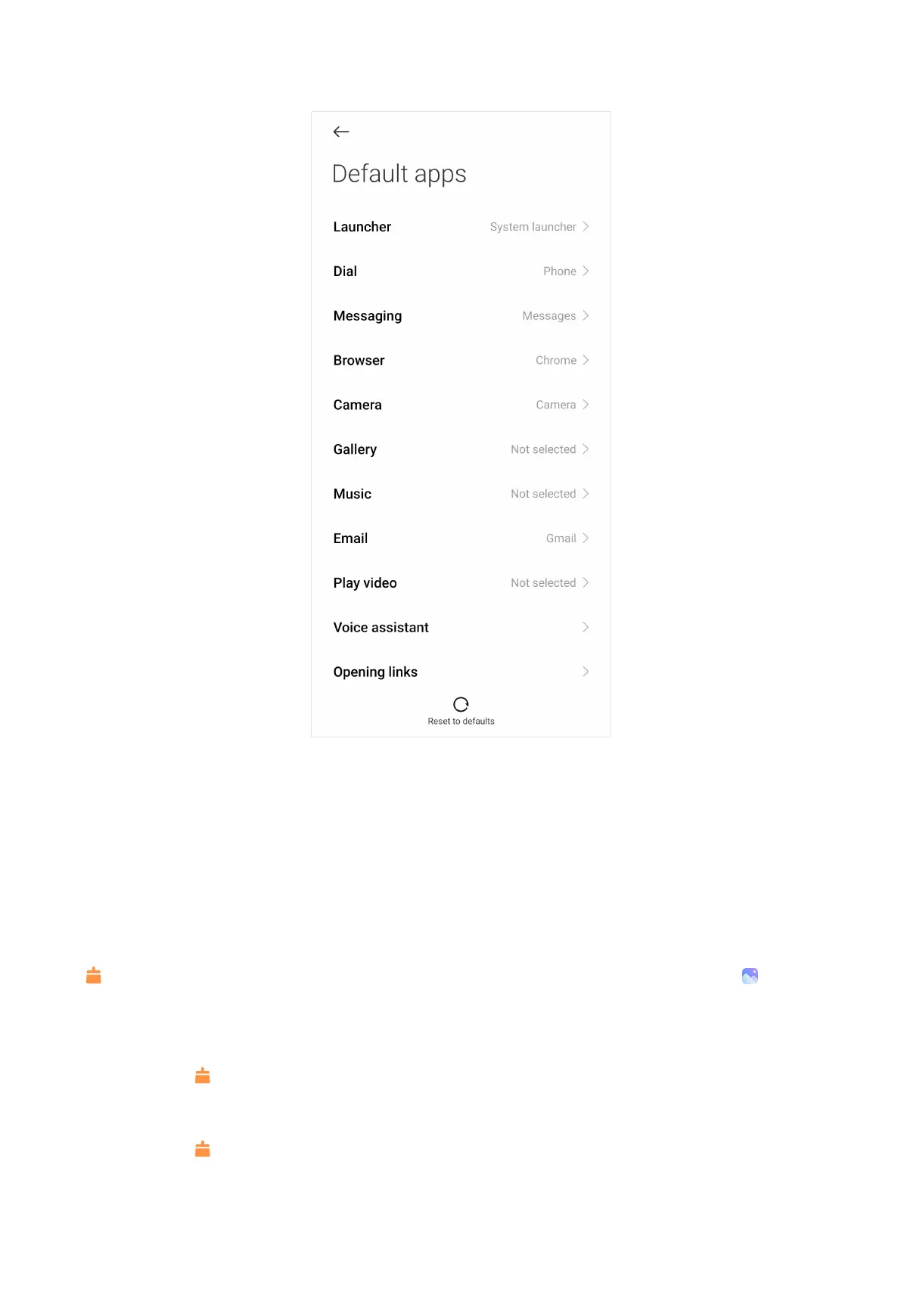
4. Select default app with the relevant setting.
Tip:
For example, you can choose to select Chrome or Mi Browser as the default
browser.
Deep clean
Delete the redundant photo
Deep clean can detect duplicate photos and poor-quality images in your
Gallery. You can choose to delete redundant items.
Uninstall the unused app
You can use Deep clean to delete the rarely used apps to free up space.
Delete the big file
You can use Deep clean to delete the unimportant big files.
161



 To Next Page