NOTE:
When you tap Long exposure for the first time, the option is not present. You can
tap Long exposure again after downloading.
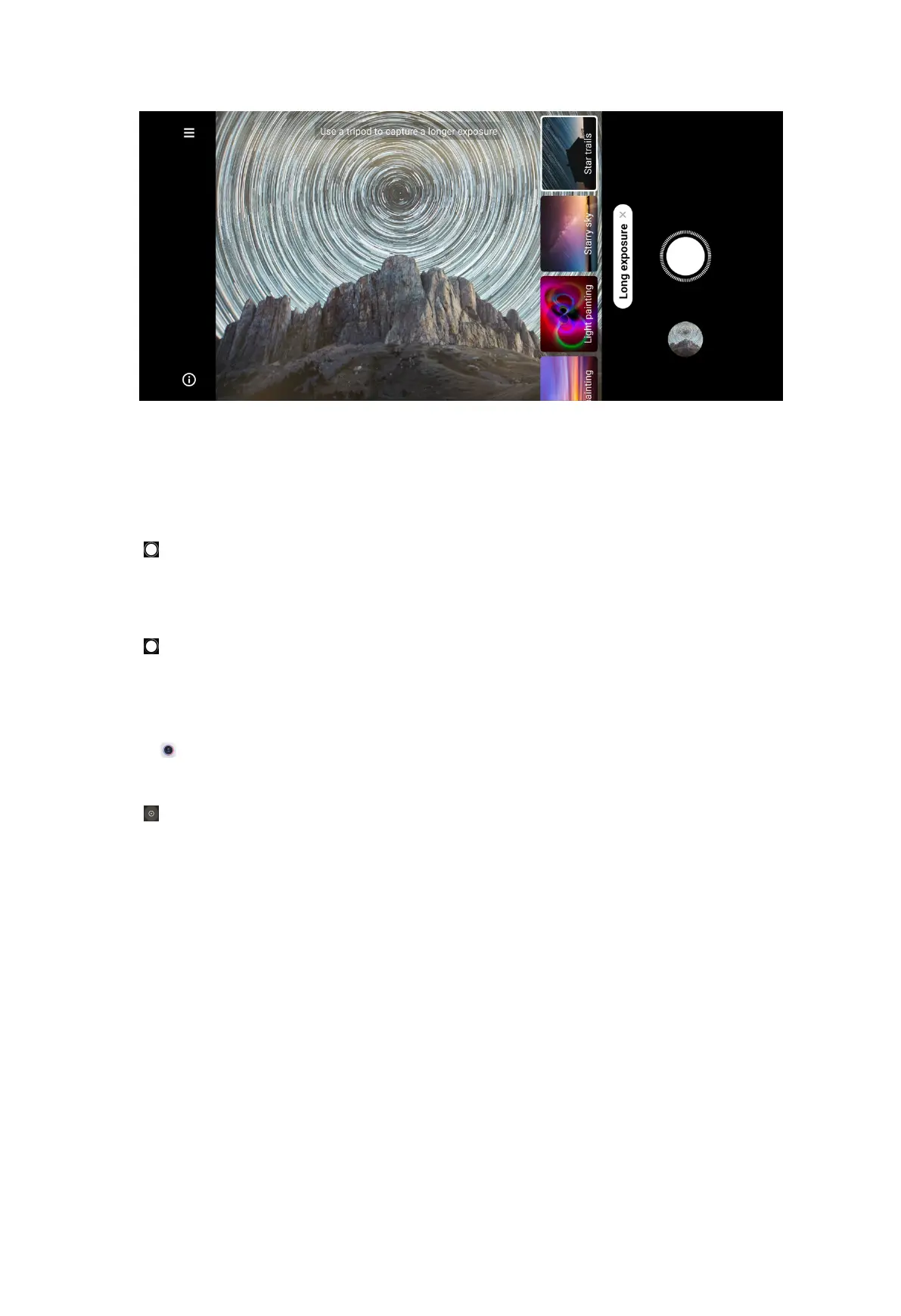
4. Choose a corresponding scene.
5. Tap to start to shoot.
Tip: You can use a tripod to keep your phone steady when you are shooting to get
a clear photo.
6. Tap to stop to shoot.
Take videos in Short video mode
You can apply different effects to take a short video for 1 to 15 seconds.
1. Open Camera.
2. Select More.
3. Tap .
80



 To Next Page