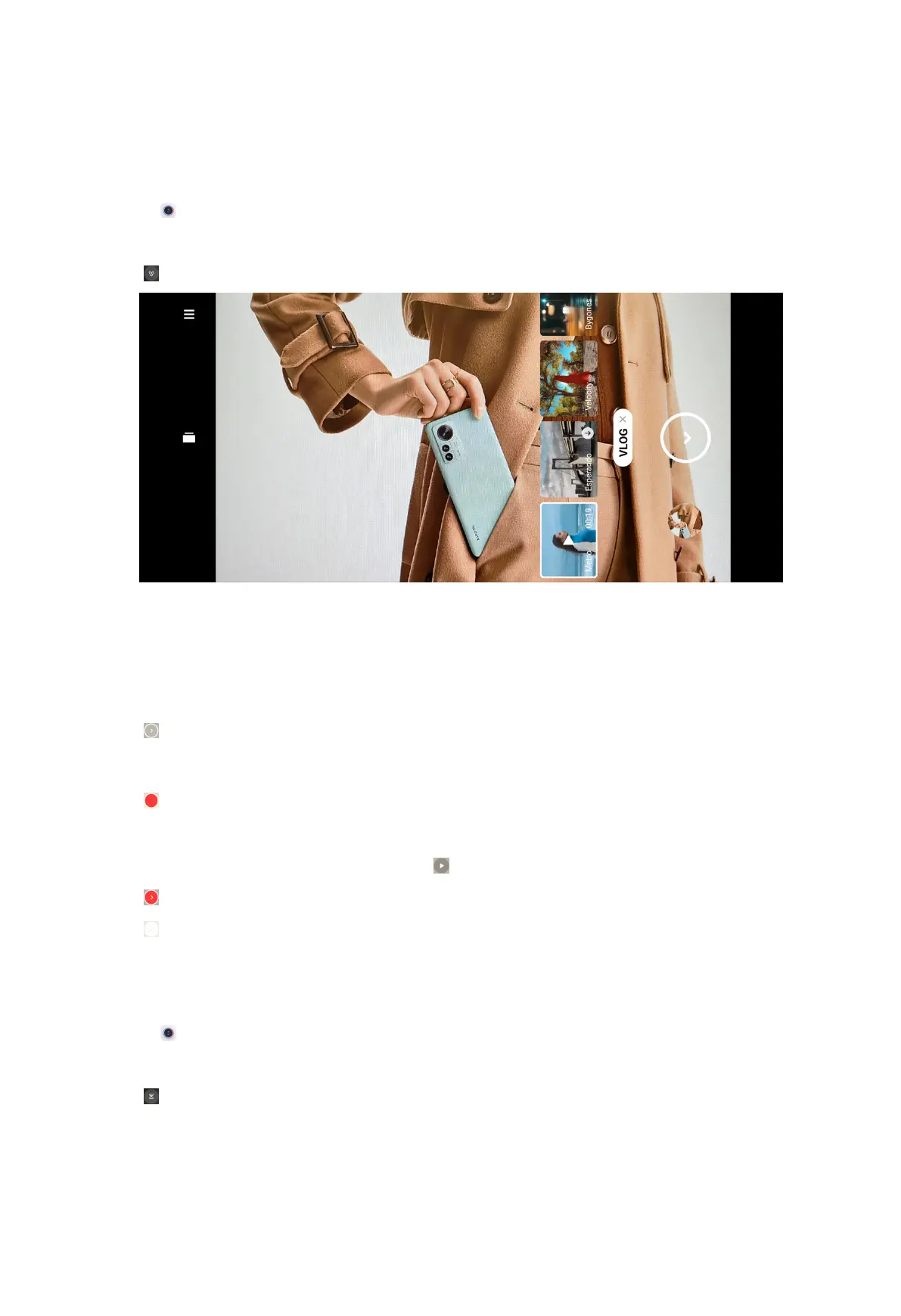
Take videos in VLOG mode
VLOG mode provides diverse vlog scenes. With the preset parameters, background
music, and clip styles, you can take a charming vlog easily.
1. Open
Camera.
2. Select More.
3. Tap .
NOTE:
When you tap VLOG for the first time, the option is not present. You can tap VLOG
again after downloading.
4. Choose a VLOG mode.
5. Tap to apply the mode.
NOTE: You can shoot vlogs in landscape mode.
6. Tap to start shooting.
NOTE:
When you finish a vlog clip, you can tap to preview the clip.
7. Tap to preview the shooting.
8. Tap to save your shooting.
Take videos in Slow motion mode
You can record a slow motion video in Slow motion mode.
1. Open
Camera.
2. Select More.
3. Tap .
82



 To Next Page