Create a clip
You can share photos from Gallery by creating a slideshow of your pictures with
video effects and music.
1. Open Gallery.
2. Tap at the upper-right corner of the phone.
3. Tap Clip.
4. Select 3 to 20 photos.
5. Tap to import the photos.
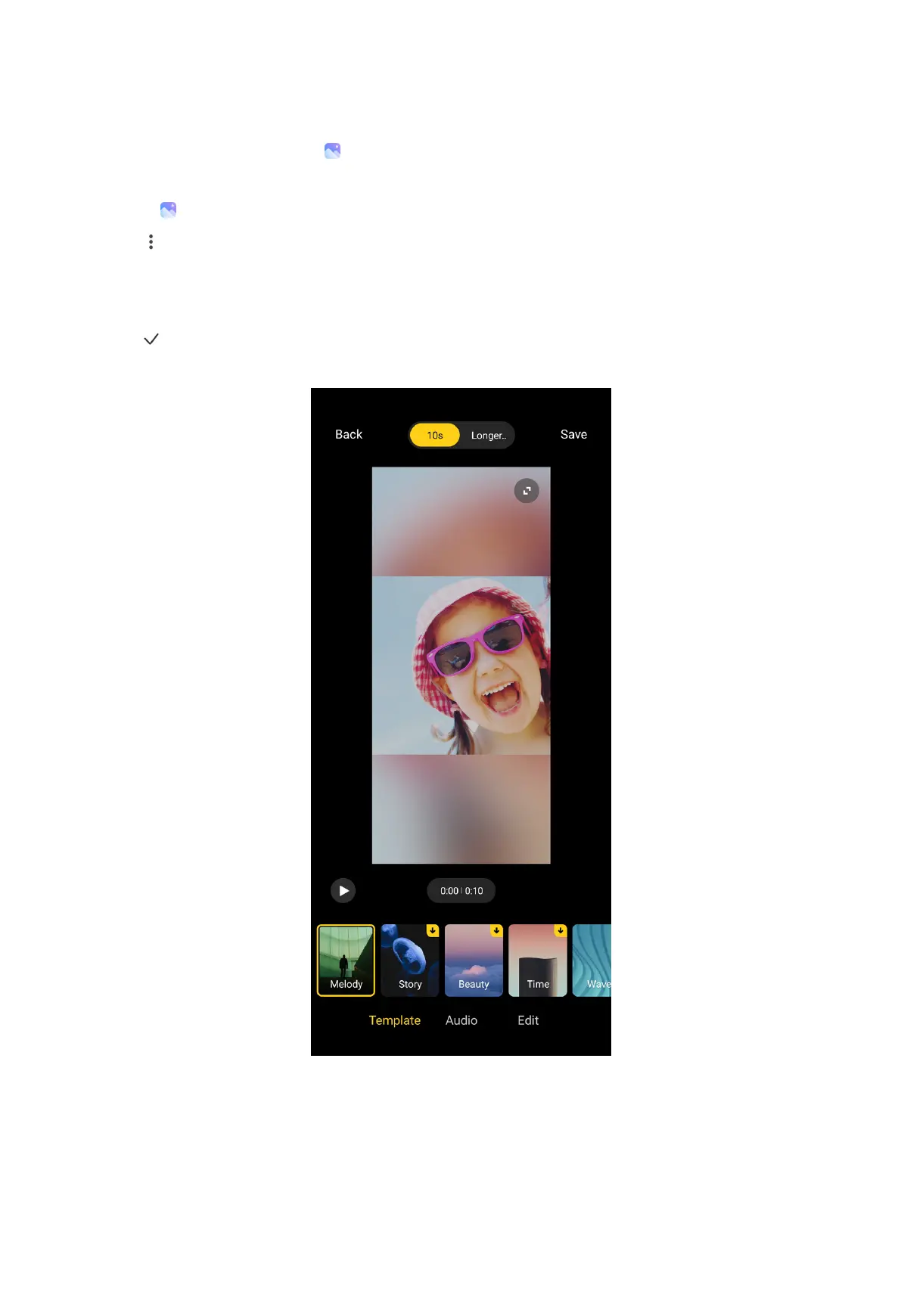
6. Use editing tools to edit the clip.
• Tap Templates to select a template.
• Tap Audio to add background music or sound to the clip.
• Tap Edit to add more photos or delete some photos.
107



 To Next Page