NOTE:
When you tap Documents for the first time, the option is not present. You can tap
Documents again after downloading.
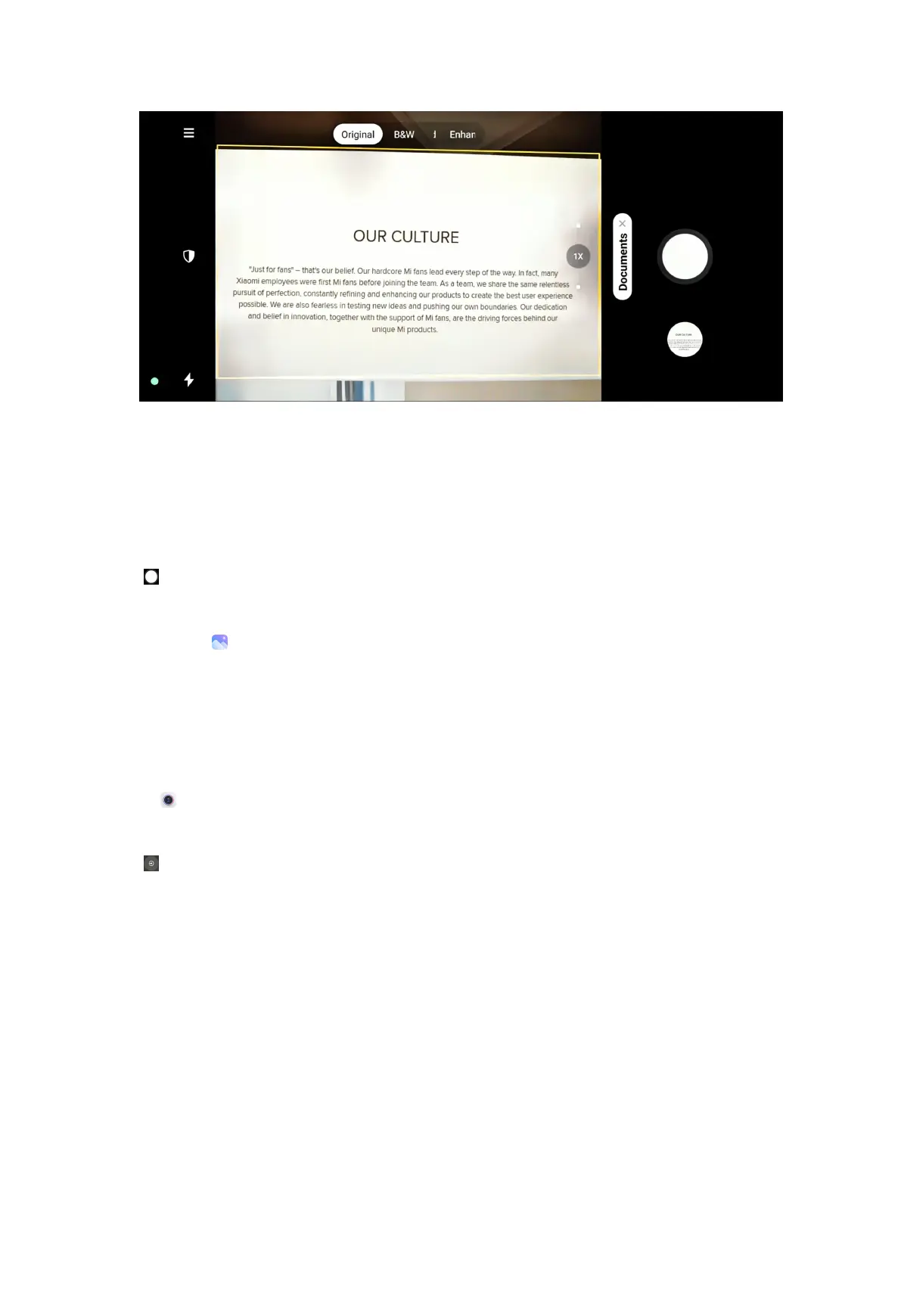
4. Point camera at the subject and wait for the camera to identify the document
area in the yellow frame.
5. Tap to take a photo.
NOTE:
You can go to
to view and adjust the document area.
Take photos in Long exposure mode
Long exposure mode keeps the shutter open for a period of time. When you shoot
a waterfall, a crowded street, or moving light, long exposure can capture the trail of
the objects.
1. Open
Camera.
2. Select More.
3. Tap .
79



 To Next Page