Filter spam calls
You can enable the Filter spam calls to prevent suspected spam calls.
1. Open
Phone.
2. Tap at the upper-right corner of the phone.
3. Go to Settings > Caller ID & spam.
4. Tap to enable Filter spam calls.
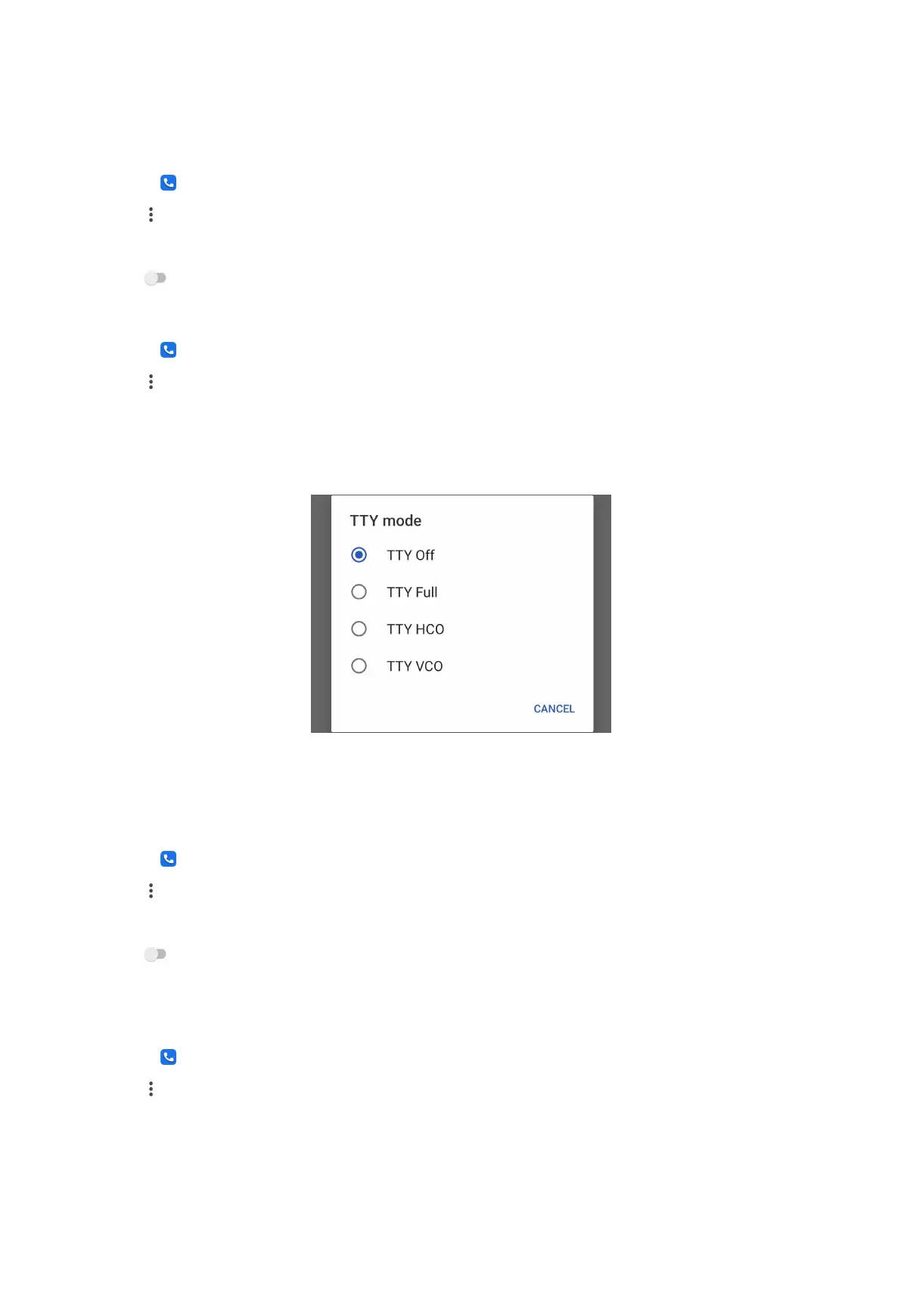
Set TTY mode
1. Open Phone.
2. Tap at the upper-right corner of the phone.
3. Go to Settings > Accessibility.
4. Tap TTY mode to select TTY mode.
Set assisted dialing
Assisted dialing predicts and adds a country code when you make a call abroad.
1. Open Phone.
2. Tap at the upper-right corner of the phone.
3. Go to Settings > Assisted dialing.
4. Tap to enable Assisted dialing.
Block a number
You do not receive calls or texts from blocked numbers.
1. Open
Phone.
2. Tap at the upper-right corner of the phone.
3. Go to Settings > Blocked numbers.
38



 To Next Page