Enable Eye tracking focus
1. Open Camera settings.
2. Tap to enable Eye tracking focus.
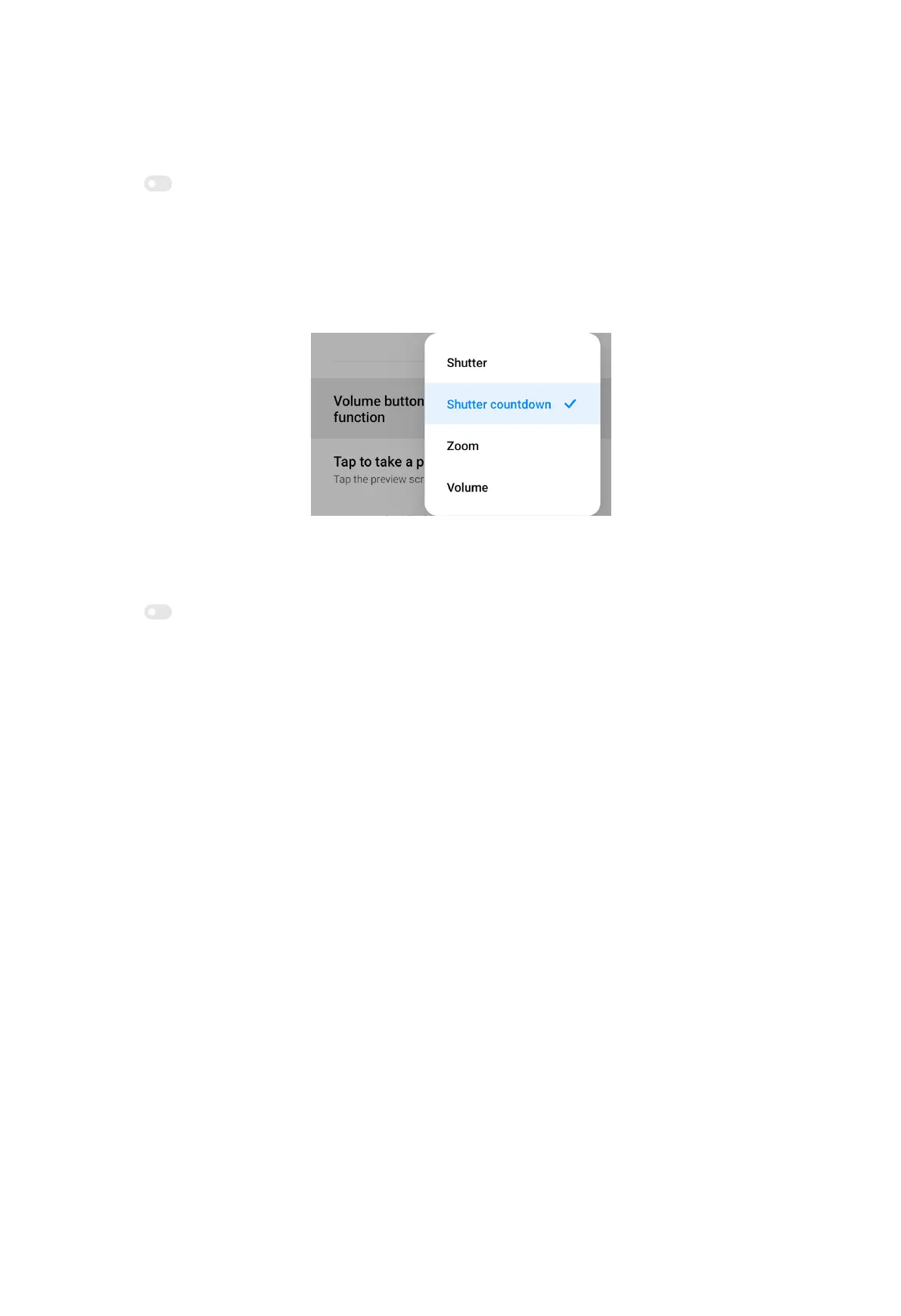
Set up volume buttons function
1. Open Camera settings.
2. Tap Volume buttons function to choose Shutter, Shutter countdown, Zoom, or
Volume.
Tap to take a photo
1. Open Camera settings.
2. Tap to enable Tap to take a photo.
Customize the camera
1. Open Camera settings.
2. Tap Customize to choose customize types.
• Tap Feature Layout to rearrange the icons on both camera start screen and
More features screen.
88



 To Next Page