NOTE:
When you tap Short video for the first time, the option is not present. You can tap
Short video again after downloading.
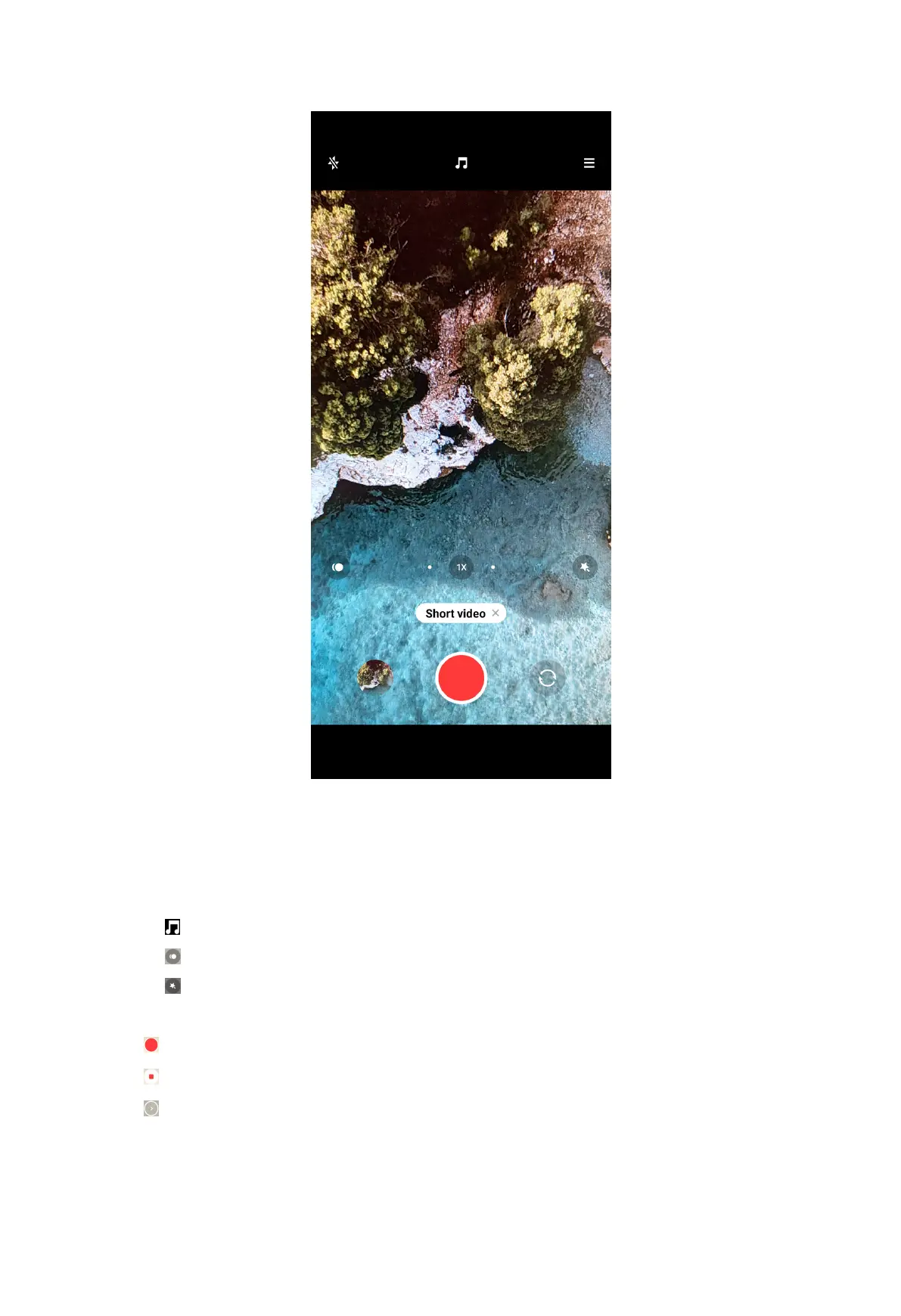
4. Choose to set up your shooting.
• Tap
to add background music.
• Tap to apply the speed effect.
• Tap and choose to apply Beautify effect, Filters effect, or Kaleidoscope
effect.
5. Tap to start shooting.
6. Tap to stop shooting.
7. Tap to save your shooting.
81



 To Next Page