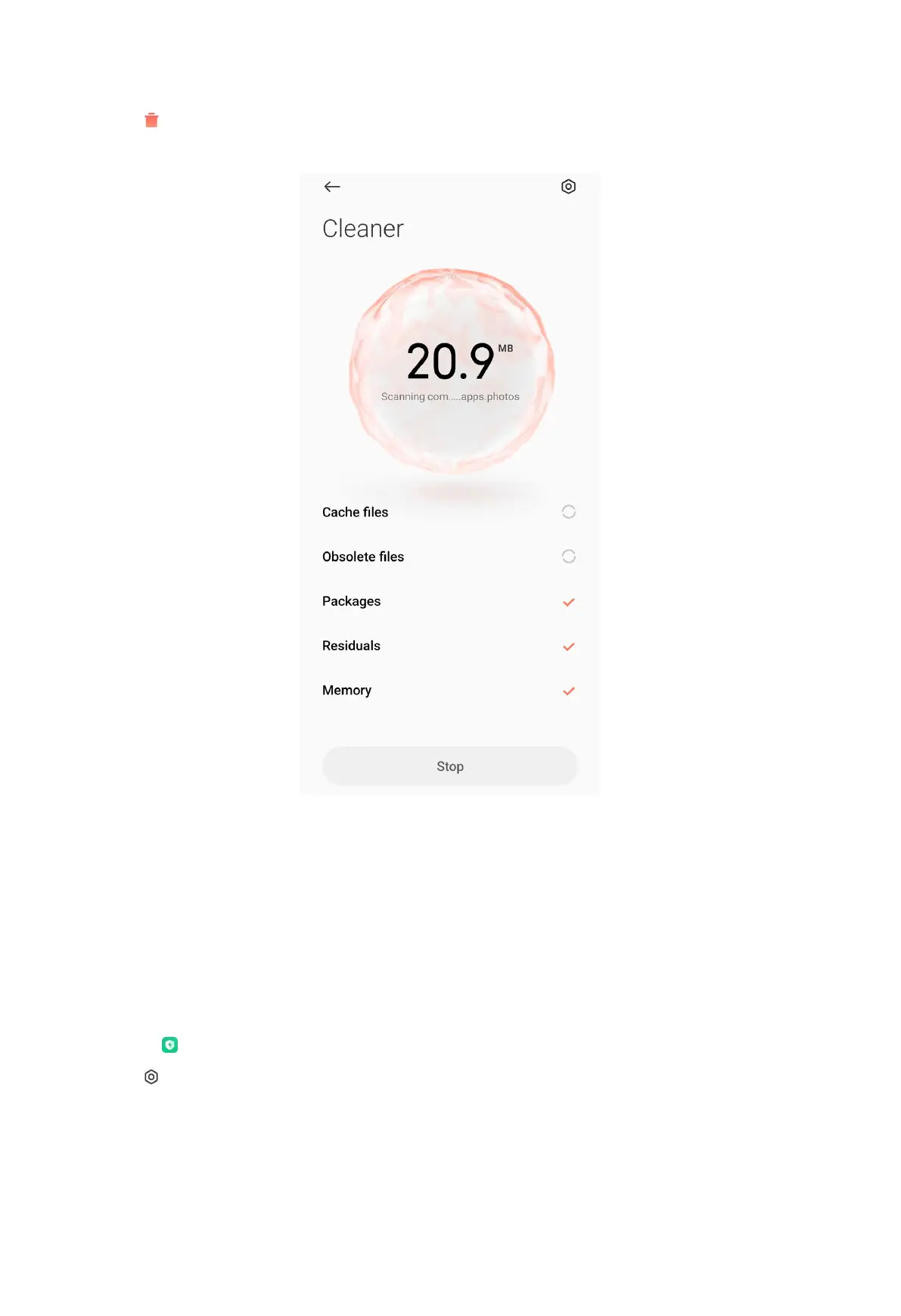
2. Tap Cleaner to launch an automatic scan for trash.
NOTE:
Cleaner scans trash of cache files, obsolete files, installation packages, residuals,
and memory cache.
3. Choose items you want to clear.
4. Tap the button below to clean up the selected items.
Set the reminder
1. Go to Security > Cleaner.
2. Tap at the upper-right corner of the phone.
153



 To Next Page