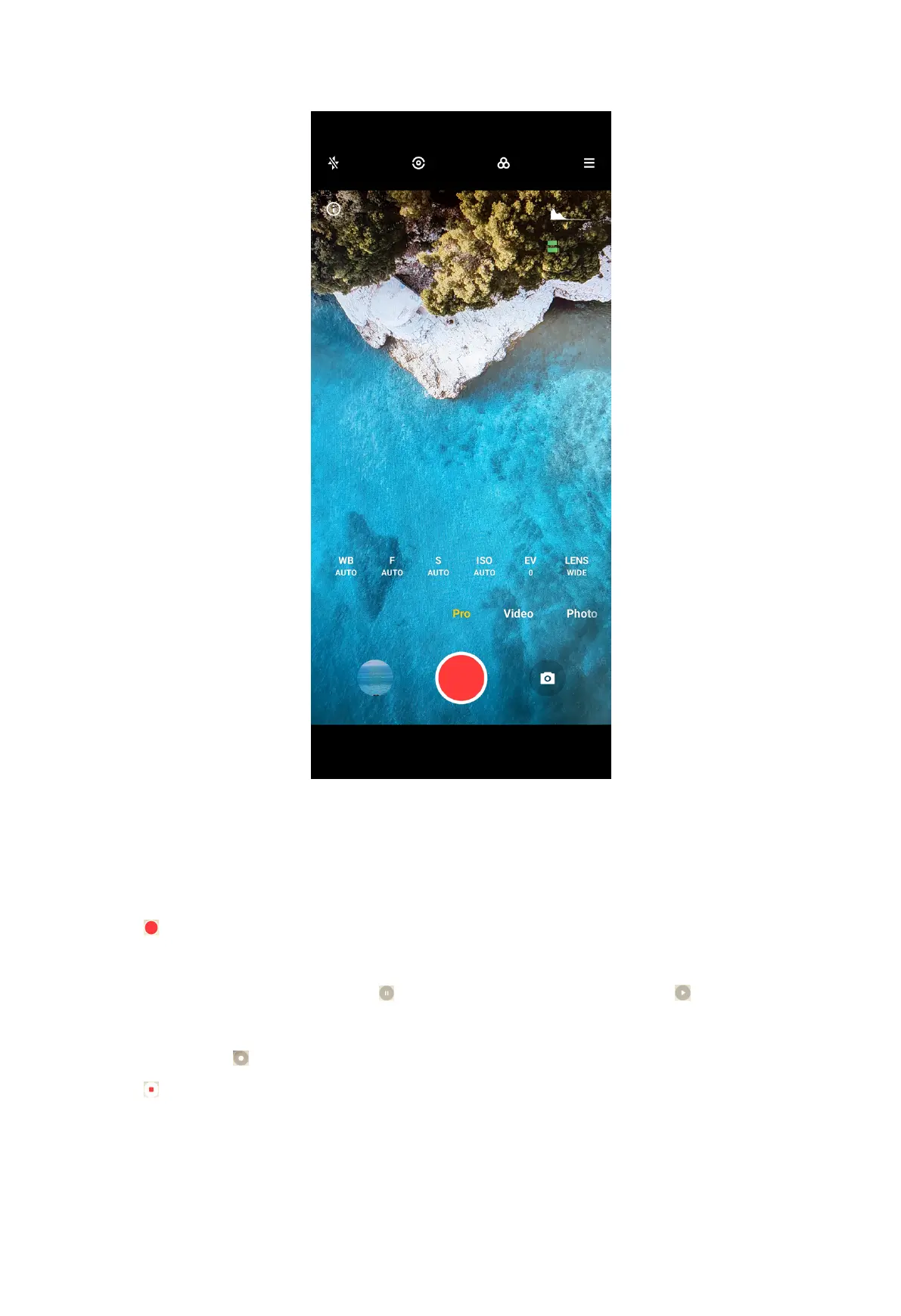
4. Adjust the features in Pro mode.
NOTE:
You can see Take photos in Pro mode on page 71 for adjusting WB, F, S, ISO, EV,
LENS, and Metering modes.
5. Tap to start shooting.
NOTE:
When taking a video, you can tap to pause your shooting and tap to continue.
Tip:
You can also tap to take a photo while shooting a video.
6. Tap to stop shooting.
74



 To Next Page