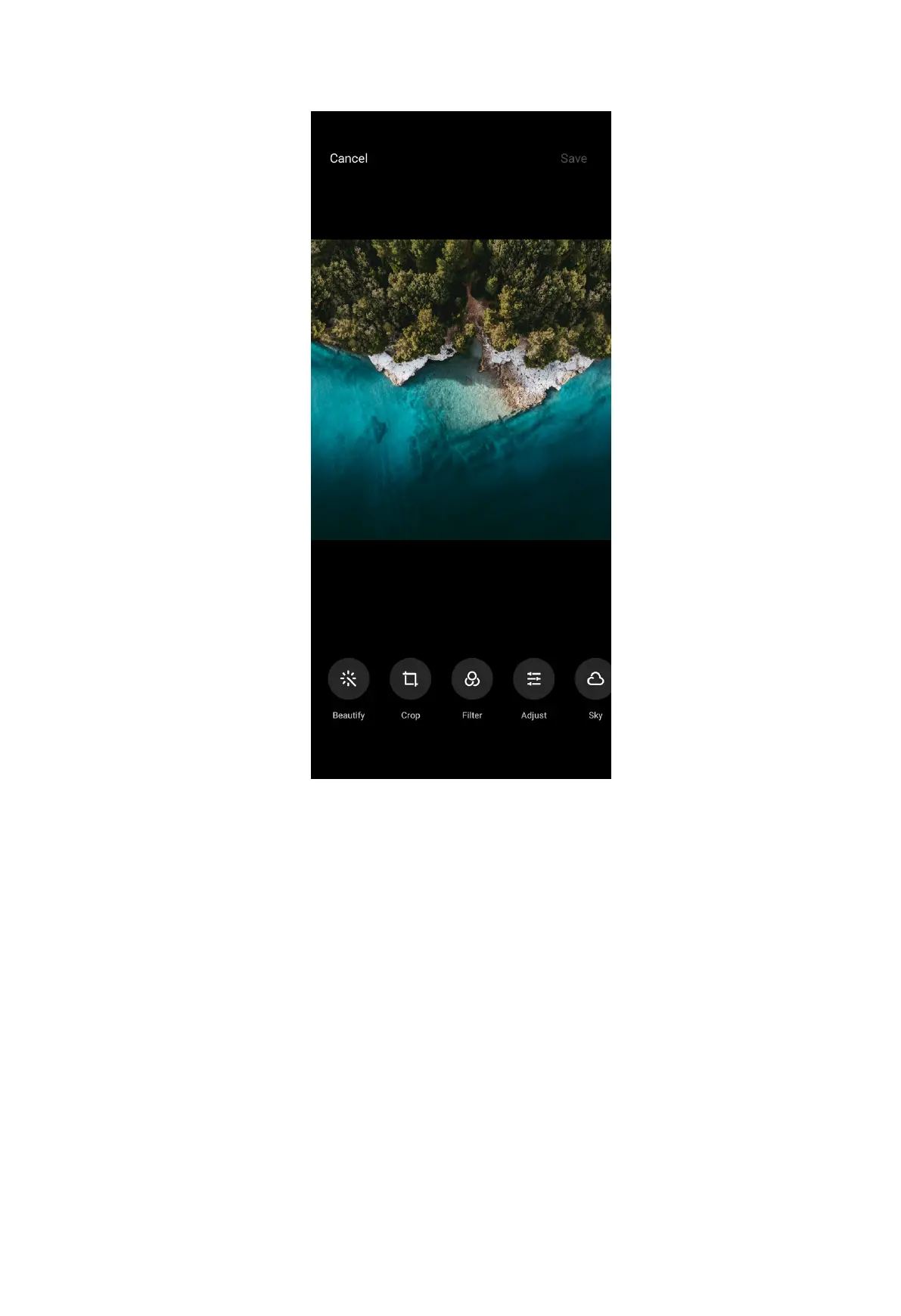
• Tap Beautify to add beautify effects to your picture.
• Tap Crop to crop the picture into a different size.
• Tap Filter to add color effects.
• Tap Adjust to adjust the exposure, brightness, contrast, saturation, vibrance,
warmth, tint, highlights, fade, grain, sharpness, and vignette of the picture.
• Tap Sky to add a sky background.
NOTE:
You can choose from Sunny, Evening, Night, and Dynamic categories.
• Tap Erase to remove visual clutter.
• Tap Sticker to make your selfies cooler with lots of funny stickers.
• Tap Doodle to make doodles or add different shapes.
• Tap Text to add markup or text.
96



 To Next Page