[Initial value]
no auth clear-state time
[Input mode]
interface mode
[Description]
Sets the time at which the authentication state of the supplicant is cleared for the applicable interface.
If this command is executed with the "no" syntax, deletes the time setting for clearing the authentication state.
[Note]
This command can be specified only for a LAN/SFP port.
Even if a time has been set to clear the interface authentication state for the applicable interface system-wide, the authentication
state will be cleared at the time specified by this command.
[Example]
This sets the time at which the authentication state of the supplicant connected to LAN port #1 is cleared to 12:00.
SWR2311P(config)#interface port1.1
SWR2311P(config-if)#auth clear-state time 12
5.3.32 Locate the file for customizing the Web authentication screen
[Syntax]
copy auth-web custom-file all src_config_num dst_config_num
copy auth-web custom-file filename src_config_num dst_config_num
[Keyword]
all : Copies the file for customizing all Web authentication screens
[Parameter]
filename : Single-byte alphanumeric characters and single-byte symbols
Filename of the file for customizing the Web authentication screen
src_config_num : Copy source configuration number
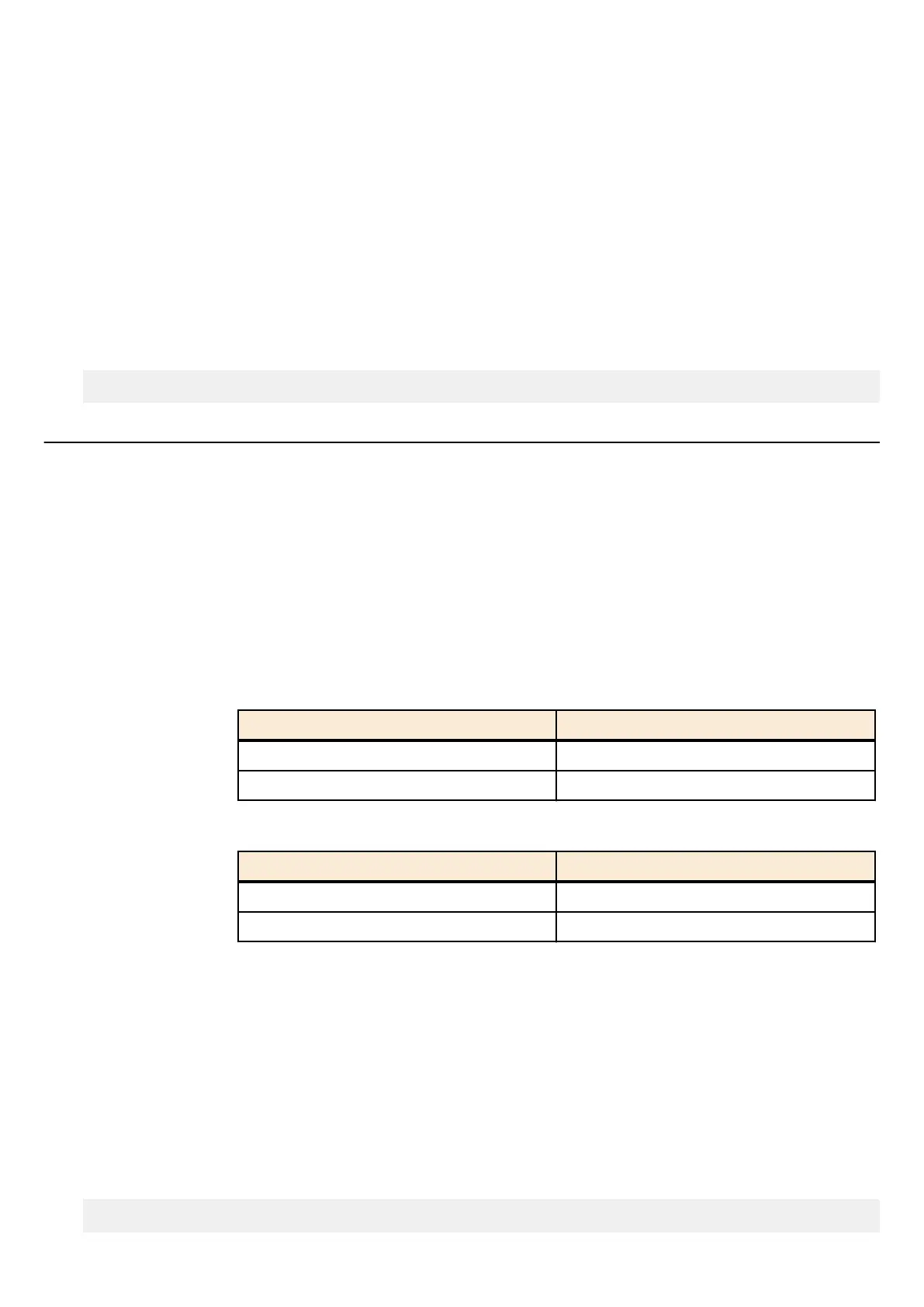
Setting value Description
0-4 Number of the start-up config
sd SD card
dst_config_num : Copy destination configuration number
Setting value Description
0−4 Number of the start-up config
sd SD card
[Input mode]
priviledged EXEC mode
[Description]
Copies the file for customizing all Web authentication screens.
[Note]
When copying the file for customizing the Web authentication screen from an SD card to the switch, put the respective files in
the /[model name]/startup-config/web-auth/ folder on the SD card.
[Example]
Copy all of the files for customizing the Web authentication screen from the SD card to startup configuration #0.
SWR2311P#copy auth-web startup-config all sd 0
Command Reference | Interface control | 149



 To Next Page