5.3.33 Delete the file for customizing the Web authentication screen
[Syntax]
erase auth-web custom-file all config_num
erase auth-web custom-file filename config_num
[Keyword]
all : Deletes the file for customizing all Web authentication screens
[Parameter]
filename : Single-byte alphanumeric characters and single-byte symbols
Filename of the file for customizing the Web authentication screen
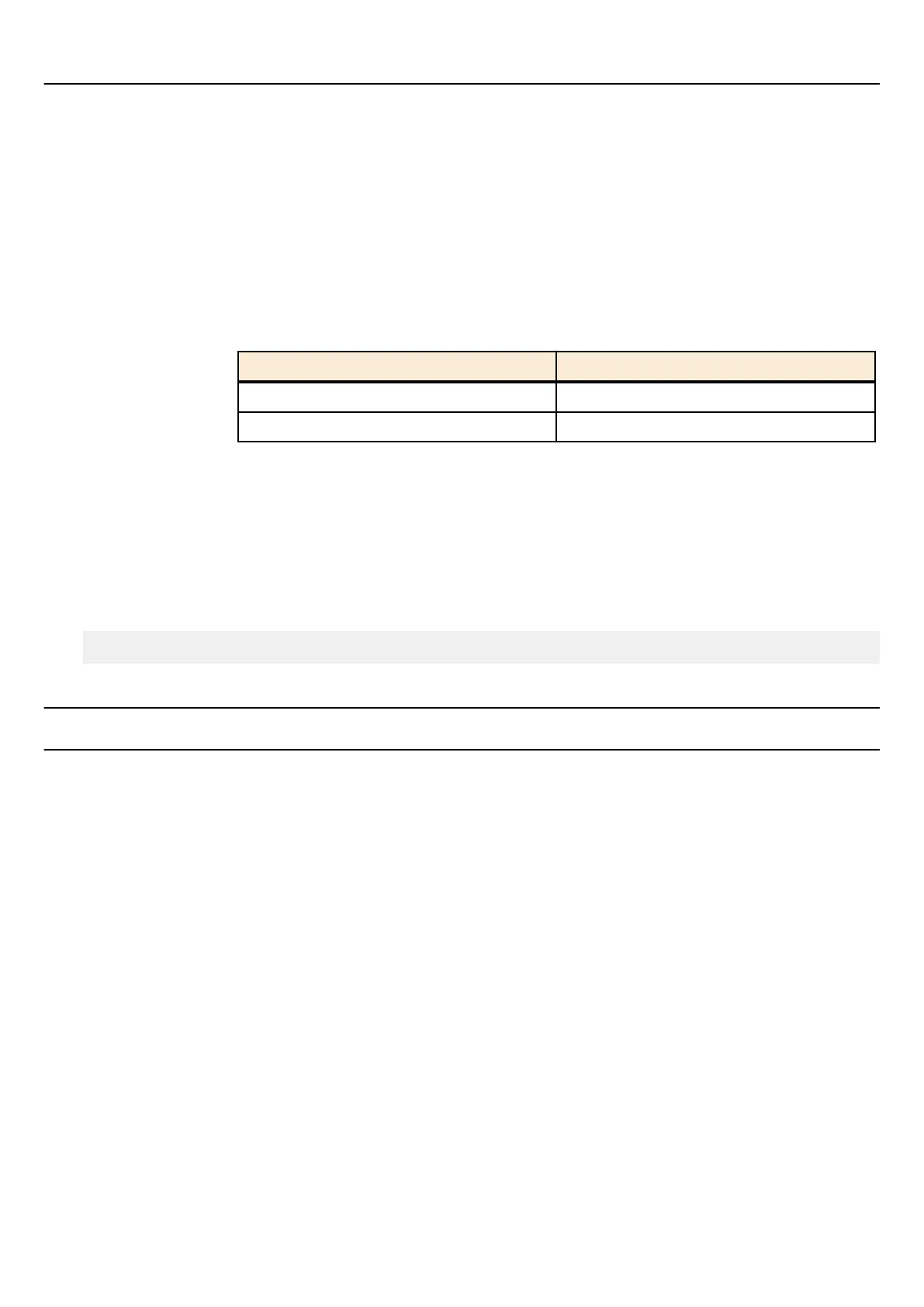
config_num : Number of config
Setting value Description
0-4 Number of the start-up config
sd SD card
[Input mode]
priviledged EXEC mode
[Description]
Deletes the file for customizing the Web authentication screen.
[Example]
Deletes logo.png from startup configuration #0.
SWR2311P#erase auth-web startup-config logo.png 0
5.4 Port security
5.4.1 Set port security function
[Syntax]
port-security enable
port-security disable
no port-security
[Keyword]
enable : Enables port security function
disable : Disables port security function
[Initial value]
port-security disable
[Input mode]
interface mode
[Description]
Enables the port security function for the applicable interface.
If this is executed with the "no" syntax, or disable is specified, port security will be disabled for the applicable interface.
[Note]
This command can be specified only for LAN/SFP port.
Any unregistered terminals will be discarded at the time when the port security function is enabled.
[Example]
Enable port security for LAN port #1.
150 | Command Reference |
Interface control



 To Next Page