Chapter 6. 3ware Disk Manager (3DM 2)
92 3ware Serial ATA RAID Controller User Guide
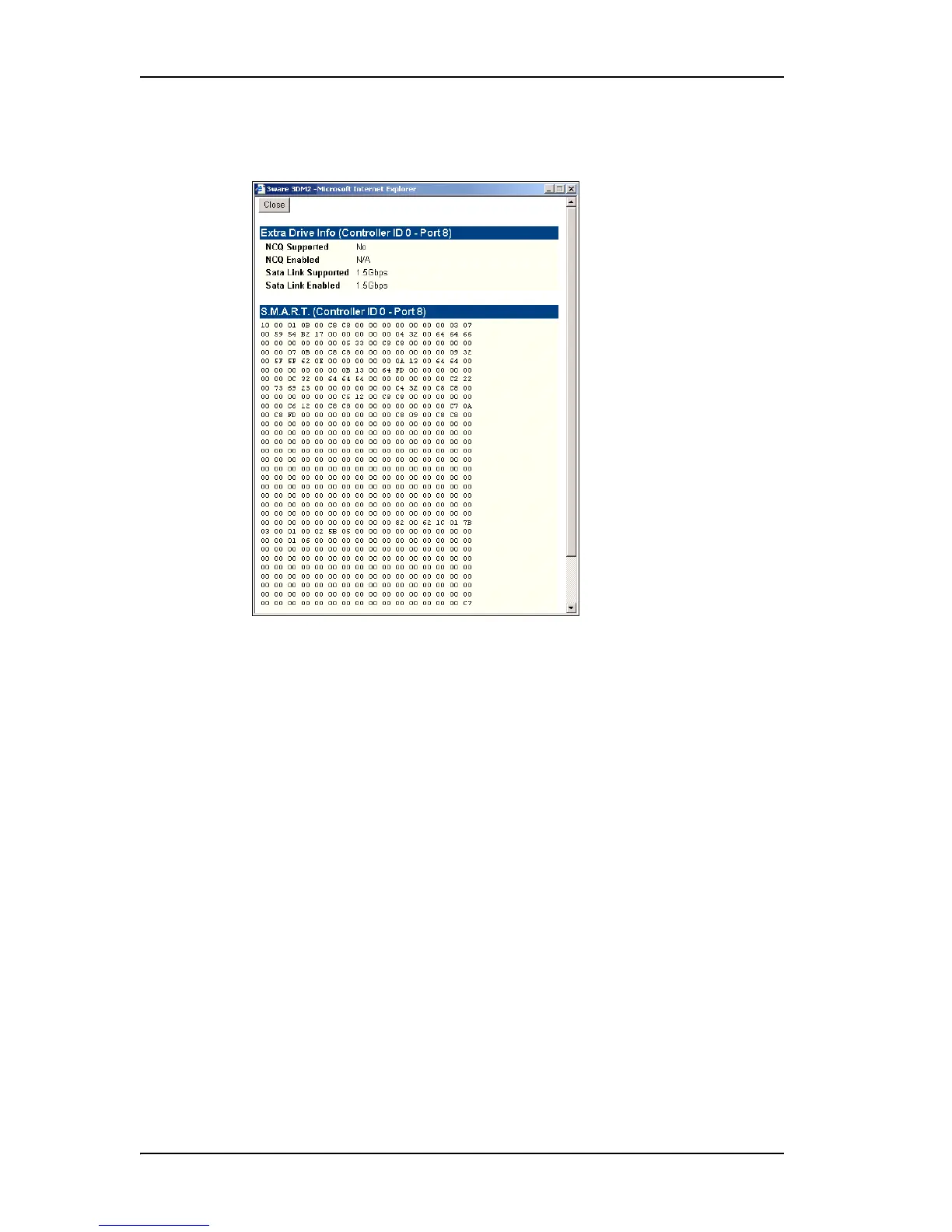
Drive Details Window
Figure 40. S.M.A.R.T. Data Page
The Drive Details window appears when you click a Port # on the Drive
Information page.
This Drive Details window shows some Extra Drive Information, including
NCQ and SATA Link Speed support, and the SMART data for the drive.
Extra Drive Information
NCQ Supported and NCQ Enabled. Some drives support NCQ (Native
Command Queuing), which can result in increased performance for some
applications, usually server-type applications. In order to make use of Native
Command Queuing, the feature must be enabled at both the drive and the
controller. Not all drives support NCQ. Only 9550SX and 9590SE controllers
support NCQ.
The NCQ values in this window indicate whether the feature is supported and
enabled at the drive. At the controller level, queuing is enabled or disabled for
all drives in a unit on the Controller Settings Page.
SATA Link Supported and SATA Link Enabled. These fields show the
fastest link speed that the disk drive supports and the current speed that the
drive is running.



 To Next Page