Rebuilding Units
www.3ware.com 189
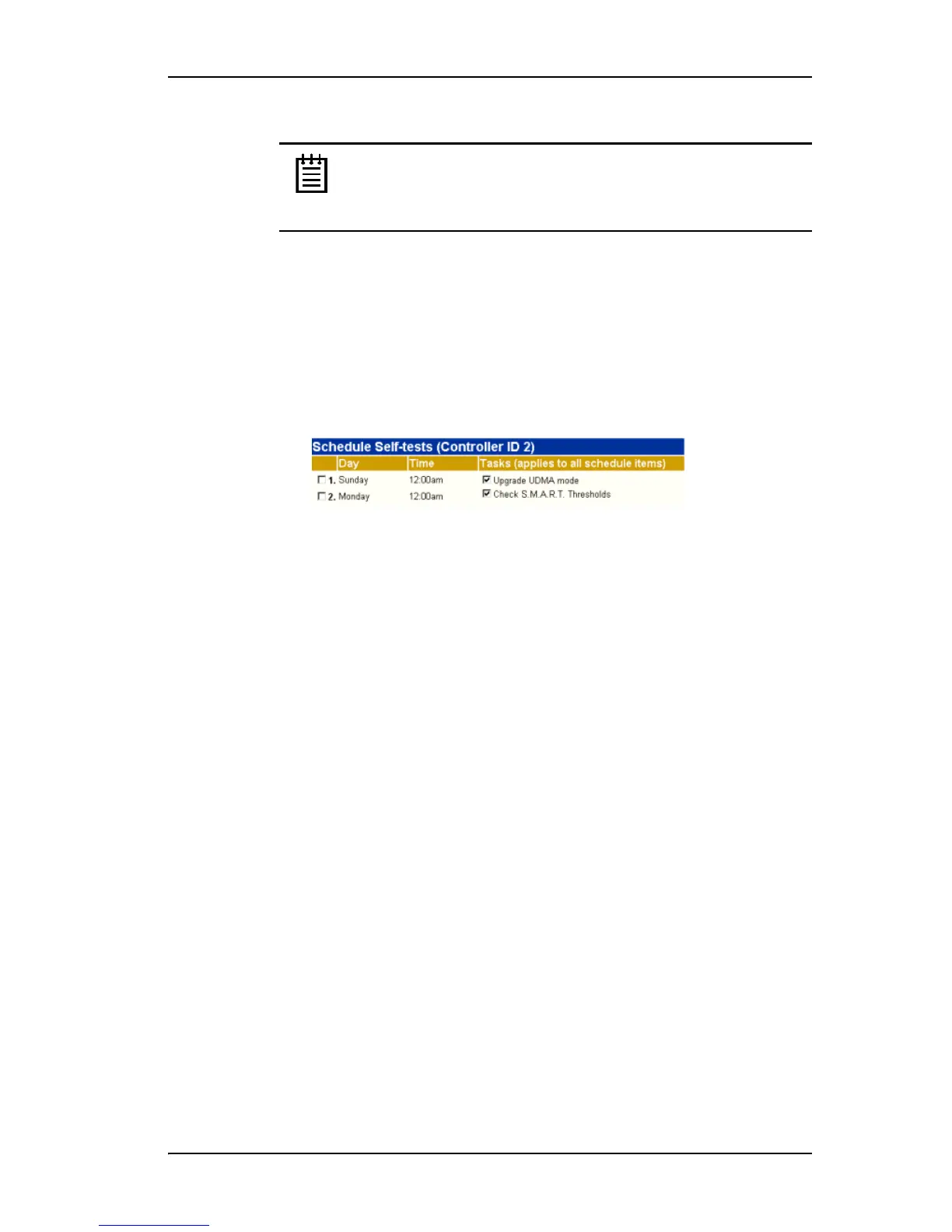
Note: These tasks will only be run during scheduled times if they
are checked in the
Schedule Self-tests section of the Scheduling
page. If neither of the tasks is checked, self-tests will never run,
even if you have scheduled time slots set.
To select self-tests to be performed
1 Choose
Management > Schedule from the menu bar.
The Scheduling Page appears, showing the schedule for Rebuild Tasks.
2 Select Self-test Tasks from the drop-down list at the top of the page.
3 Check the boxes next to the self-tests you want to be performed.
To disable self-tests
Unlike scheduling of rebuilds and verifies, scheduling of self-tests is always
enabled.
To disable self-tests you must either remove all schedule times, or uncheck
the tests listed in the
Tasks column.
Rebuilding Units
If a hot spare is specified and a redundant unit degrades, an event notification
is generated and the hot spare dynamically replaces the failed drive in the
redundant unit without user intervention. The rebuild process will
automatically be launched as a background process at the next scheduled
time. If scheduling is turned off, the rebuild process will start almost
immediately (within a few minutes). If 3DM is running and E-mail
notification is enabled, an event notification will be sent to specified users
when the rebuild process starts and when it completes.
For 9550SX and 9590SE controllers, if Auto-Rebuild is enabled, the firmware
will attempt to rebuild a degraded unit with an available drive or a failed
drive.
If desired, you can manually replace the drive, rescan the controller, and start
the rebuild process.
Manual rebuilds can be started from either 3BM or 3DM, although the rebuild
itself only happens when the operating system is running.



 To Next Page