Chapter 9. Maintaining Units
196 3ware Serial ATA RAID Controller User Guide
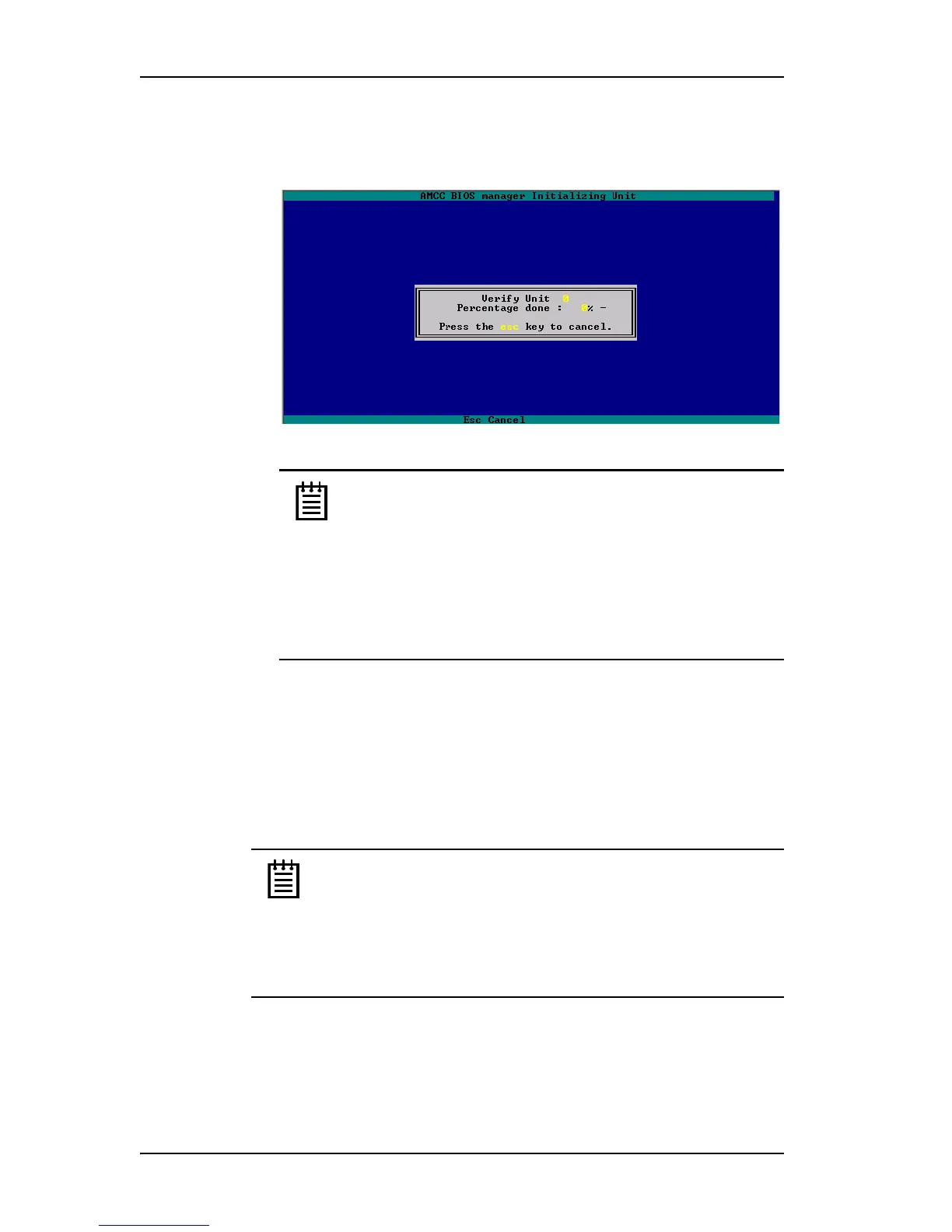
3 On the pop-up menu, select Verify and press Enter.
Verification of the selected unit starts immediately.
Figure 75. Verifying a Unit
Notes:
If a unit that requires initialization has not previously been
initialized, selecting Verify Unit starts initialization. This is
because fault-tolerant units cannot be verified until after they
are initialized.
If the unit is already in a state of rebuild, initialization, or
verification, the unit cannot be verified in 3BM. You must boot
the system and let the task finish in the background.
Locating a Drive by Blinking Its LED
When you have drives installed in a supported chassis with an LED display
and have connected the I
2
C connector on the 3ware RAID controller to the
chassis, you can locate individual drives by blinking their associated LED.
Note: Drive Locate will be supported by chassis vendors. This
feature requires a chassis with a Chassis Control Unit (CCU). The
CCU will also support the monitoring of fan speed, temperature
sensors, door lock, and so forth, depending on the level of chassis
vendor support. Check the 3ware support web site for future
updates on a list of chassis vendors that support the CCU, as they
become available.
You can issue the command to blink the LED through 3DM and through the
CLI. For details about using the CLI, see 3ware 9000 Series Serial ATA RAID
Controller CLI Guide.



 To Next Page