Chapter 6. 3ware Disk Manager (3DM 2)
100 3ware Serial ATA RAID Controller User Guide
This check is also done every time the system is booted.
Check SMART Thresholds. This test checks to see whether SMART
thresholds have been exceeded.
The SMART thresholds indicate when a drive is likely to fail, based on the
number of errors that have been recorded through SMART (Self-Monitoring,
Analysis and Reporting Technology).
If any of the disk drives have detected a “threshold exceeded” condition, then
an AEN is logged to the 3DM Alarms page. Moreover, if anything unusual is
found during any self-test, it will be logged as an Alarm.
Maintenance Page
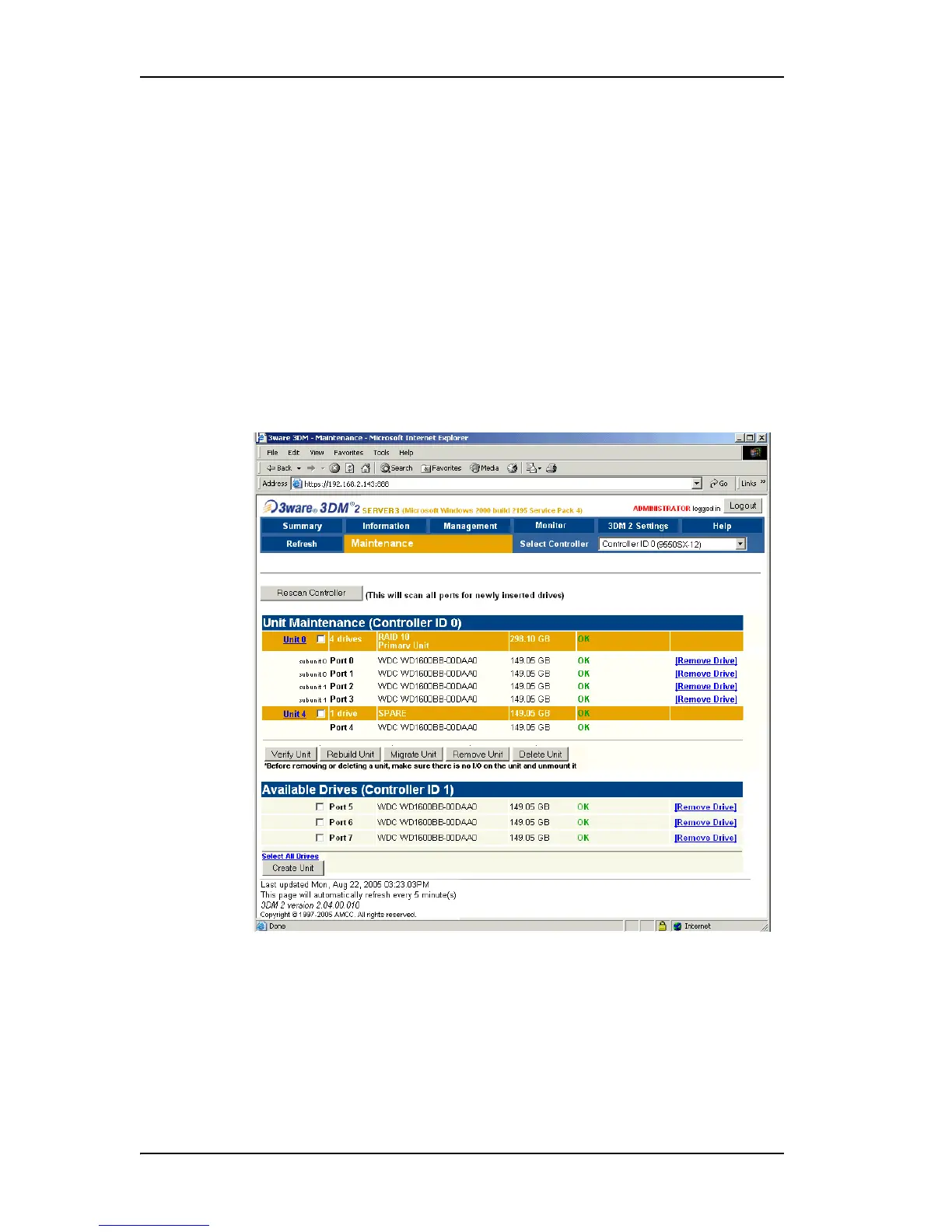
Figure 43. Maintenance Page
The Maintenance page appears when you choose Management >
Maintenance
from the menu bar.
The Maintenance page lets you perform maintenance tasks on existing units
on the current controller (shown in the drop-down list on the menu bar), and
lets you create new units by configuring available drives.



 To Next Page