3DM 2 Reference
www.3ware.com 93
SMART Data
SMART data is displayed as hex values.
Consult your disk drive manufacturer for information on how to interpret the
SMART data. The SMART data meaning varies by disk drive manufacturer
and model.
Controller Settings Page
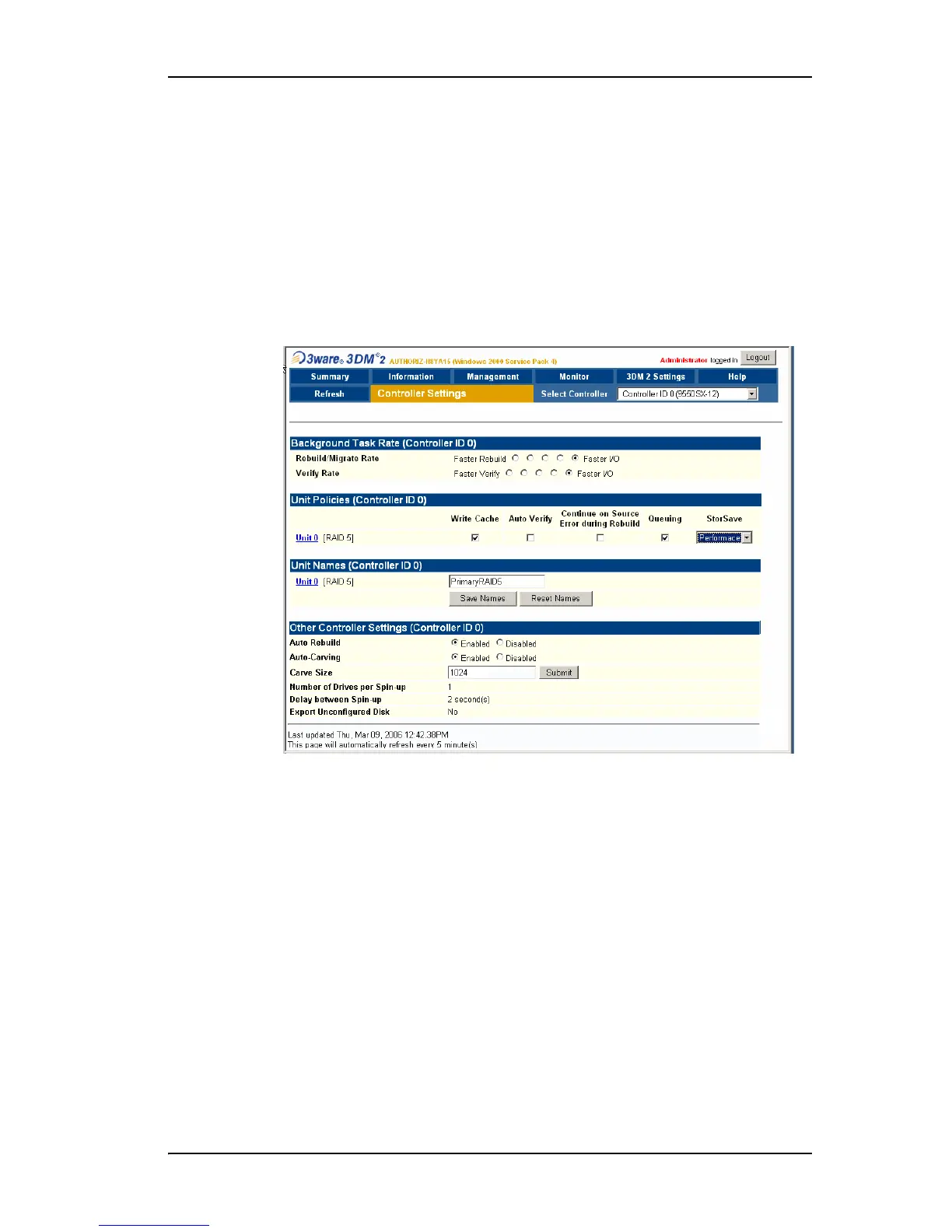
Figure 41. Controller Settings Page
The Controller Settings page appears when you choose Management >
Controller Settings
from the menu bar.
The Controller Settings page lets you view and change settings that affect the
units on the controller specified in the drop-down list on the menu bar.
There are four main sections on this page:
• Background Task Rate
• Unit Policies
• Unit Names
• Other Controller Settings



 To Next Page