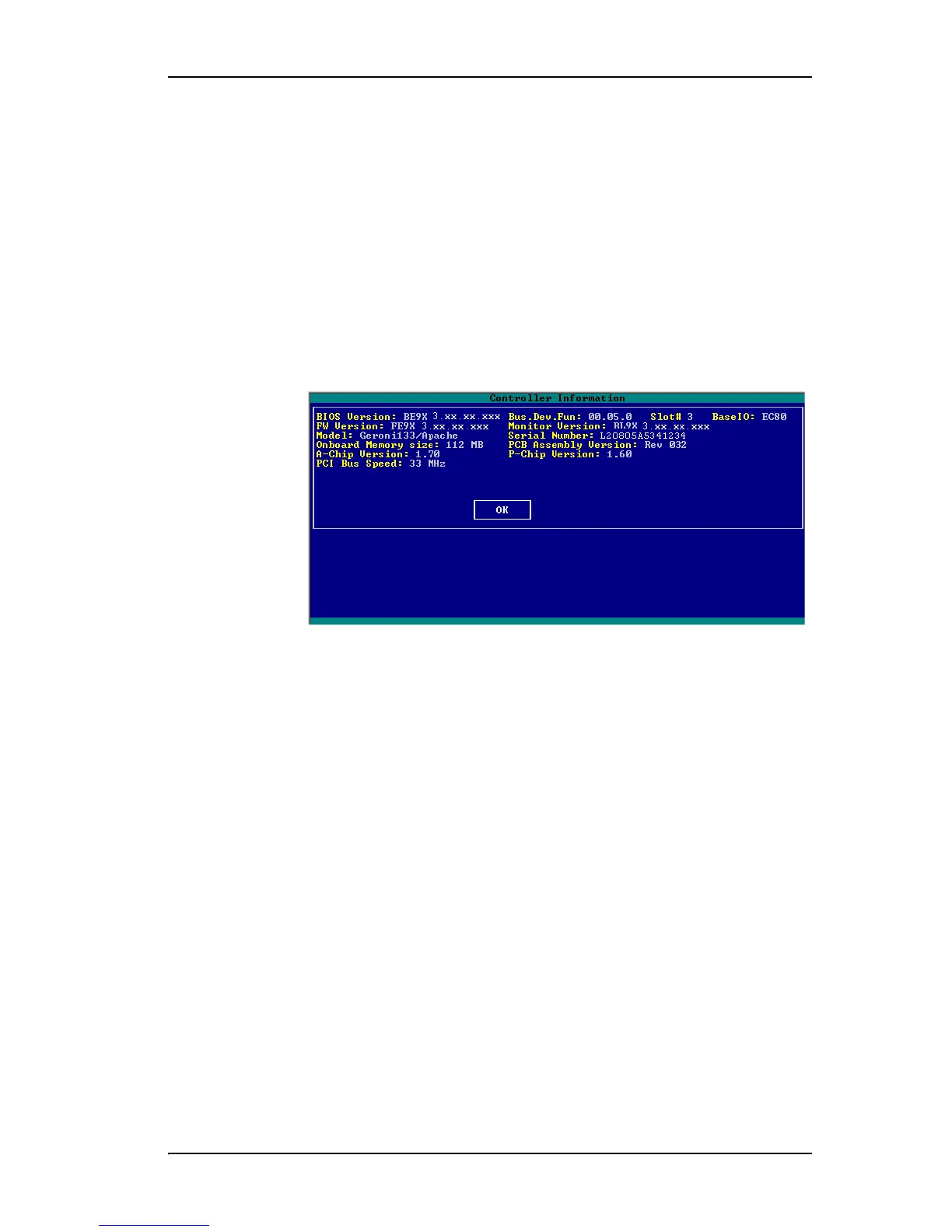
Displaying Controller Information
www.3ware.com 63
Displaying Controller Information
The Controller Information screen shows you details about your controller,
and about the version of associated software installed on your system.
To see the controller information
1 On the main 3BM screen, Tab to Information and press Enter.
2 On the pop-up menu, select Controller and press
Enter.
(Note that the particular versions shown in the screen shot below may not
be current.)
Figure 29. Advanced Detail Screen
To return to the main screen
• Press Enter.
Getting Help While Using 3BM
You can get help with using 3BM while you are in the BIOS manager.
• Press F1 or Alt-F1 at any time.
A description of the basic 3BM tasks appears.
When you’re finished using help, press Esc to close the help window.



 To Next Page