Driver Installation Under Windows
www.3ware.com 37
Making Units Managed by a 3ware Controller
Available to Windows
After the 3ware driver has been installed, you need to partition and format the
new units or disks.
1 Remove the driver diskette or CD, reboot the system, and log in as the
system administrator.
2 Use Disk Administrator to partition and format the new units or disks:
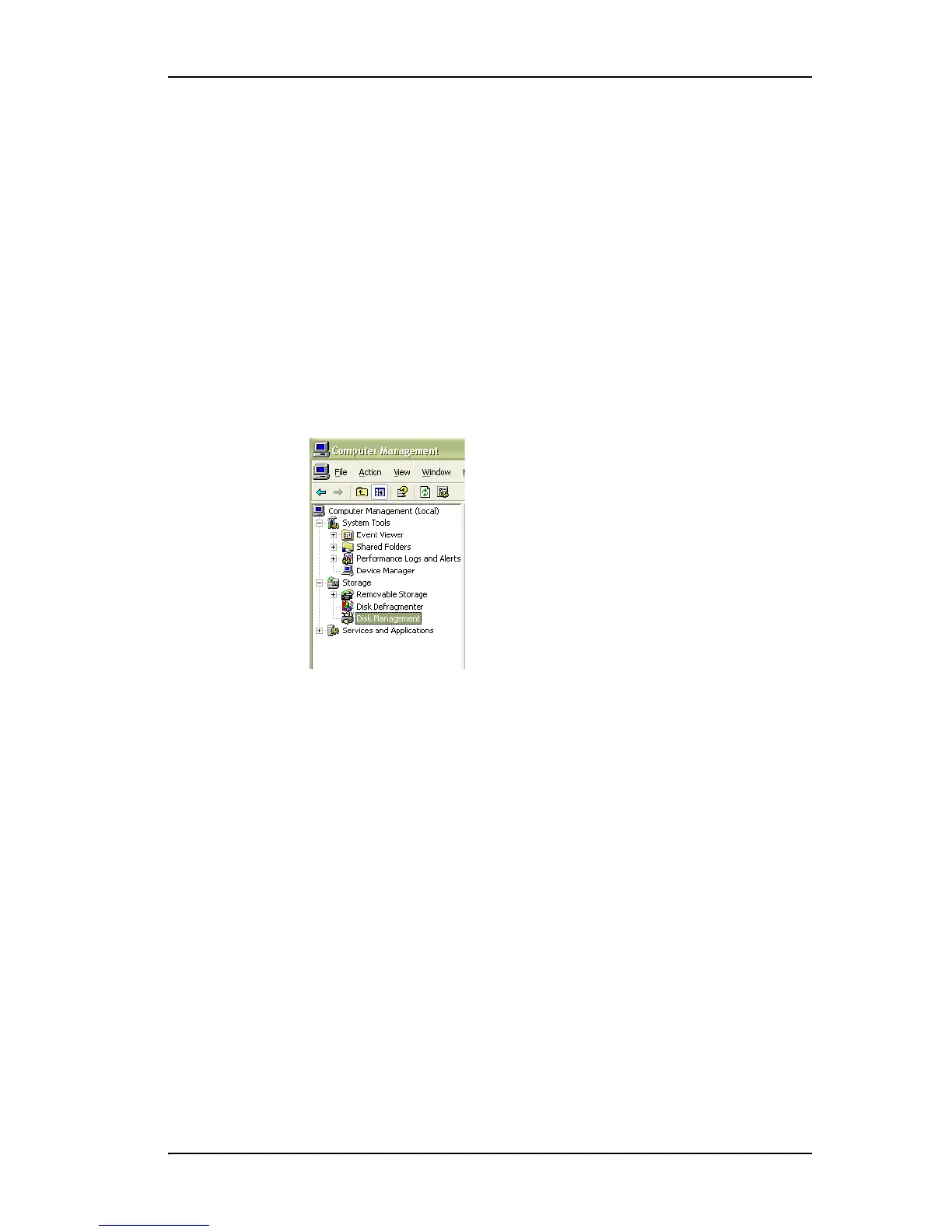
From the Start menu, choose Administrative Tools > Computer
Management.
In the Computer Management window, under Storage, select Disk
Management.
Figure 23. Computer Management Screen
3 Follow the steps that appear on the screen to write a signature to the drive.
4 Right-click on the drive and select Create Volume.
5 Follow the steps the appear on-screen to create a volume and to assign a
drive letter.



 To Next Page