Chapter 8. Configuring Units
140 3ware Serial ATA RAID Controller User Guide
Specifying a Hot Spare through 3DM
If you need to add a drive to be used as the hot spare, follow the instructions
under “Adding a Drive through 3DM” on page 168.
To specify a hot spare after the system is booted
1In the
Available Drives section of the Maintenance Page, select the drive
by checking the box next to it.
2Click
Create Unit.
3 In the dialog box that appears, select the configuration type
Spare.
4Click
Ok.
You will see the spare appear at the top of the page, under
Unit
Maintenance
.
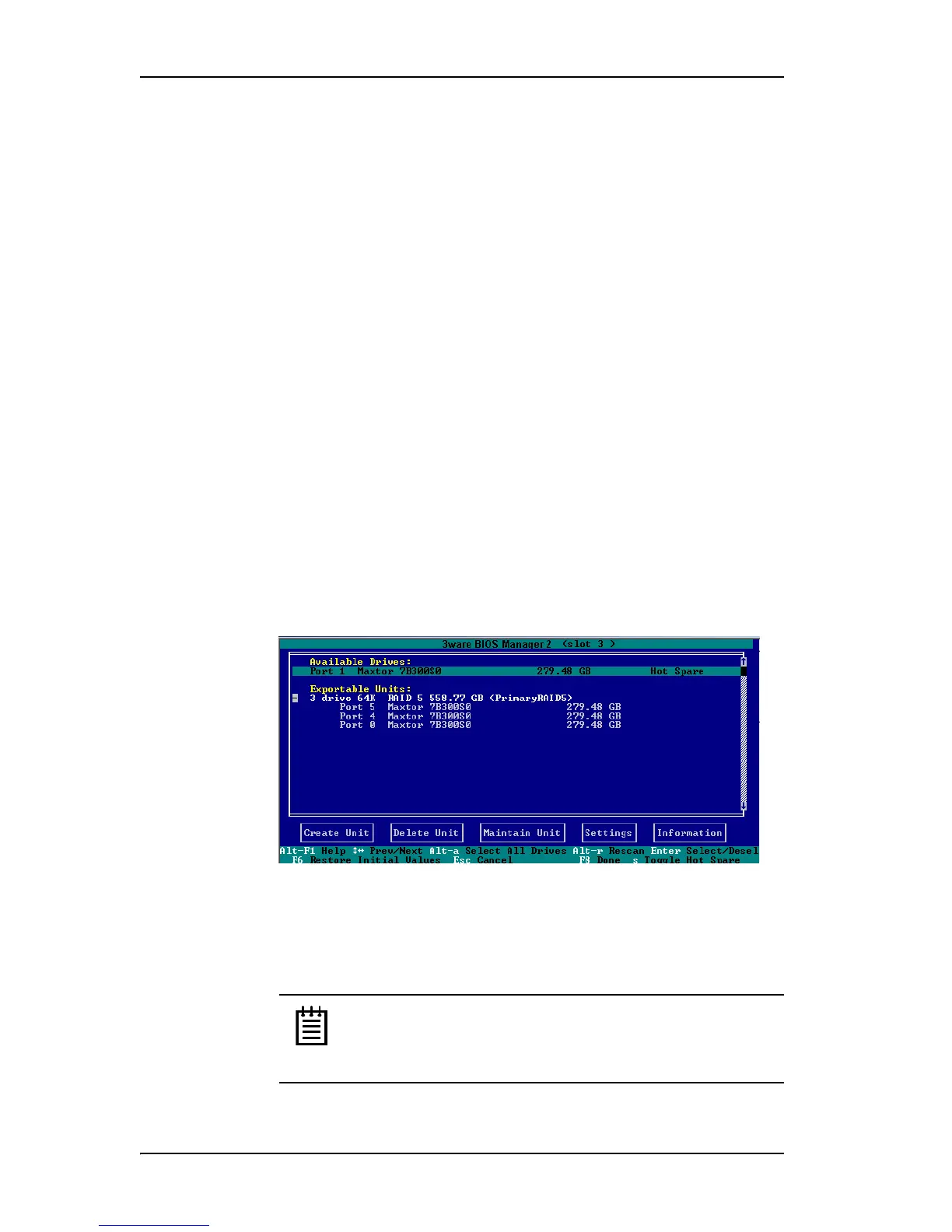
Specifying a Hot Spare through 3BM
1 On the main 3BM screen, in the list of Available Drives, highlight the
drive you want to use.
2Type s to specify that the selected drive will be the hot spare.
You’ll see the words “Hot Spare” appear next to the drive in the Available
Drives list.
Figure 61. Hot Spare Indicated
If a hot spare is already enabled, you can disable it by pressing s again.
3 If you are finished making changes in 3BM, press
F8 to save the changes
and exit.
Note: If the drive you designated as a spare is not large enough
to replace a failed drive in a fault-tolerant unit, or if there is not
a fault-tolerant unit for the spare to support, 3BM will notify
you.



 To Next Page