3DM 2 Reference
www.3ware.com 109
Alarms Page
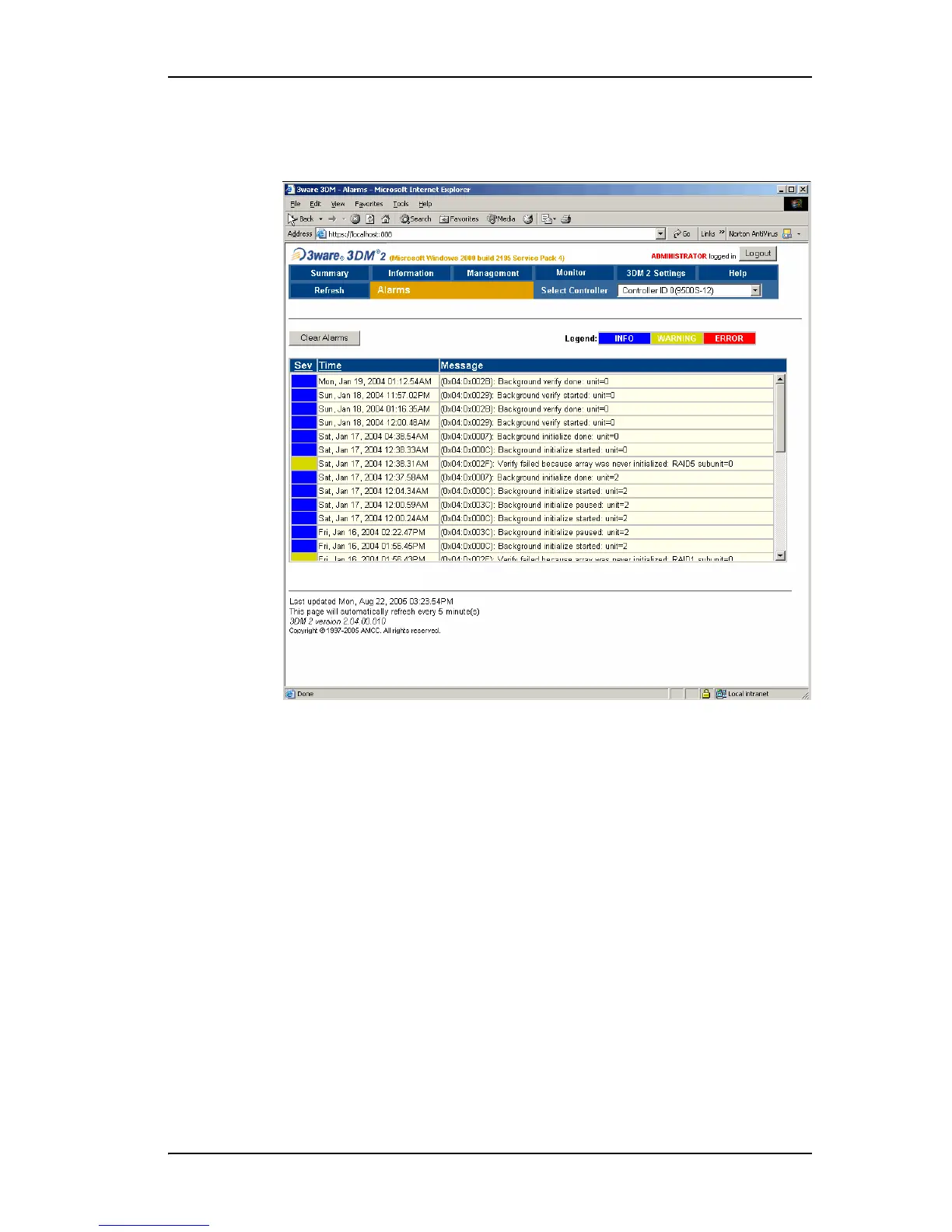
Figure 46. Alarms Page
The Alarms page appears when you click Monitor > Alarms on the menu bar.
This page displays a list of AENs (asynchronous event notifications) received
from the controller displayed in the drop-down list in the menu bar.
Up to 1000 alarms can be listed. After the 1000-limit is reached, the oldest
alarms are deleted, as new ones occur.
You can sort the alarms by severity or time. To do so, just click the column
header.
For 7000 and 8000-series controllers, alarms can be used by either 3DM or
CLI, but not both. Whichever issues an alarms command first determines
which can see alarm data.
For more information about any of the alarms that appear on the Alarms page,
see “AEN Messages” on page 224.
Clear Alarms. The Clear Alarms button removes all alarms shown in the list.
Sev. Shows the severity of the event. Three levels are provided:



 To Next Page