Chapter 6. 3ware Disk Manager (3DM 2)
98 3ware Serial ATA RAID Controller User Guide
Scheduling Page
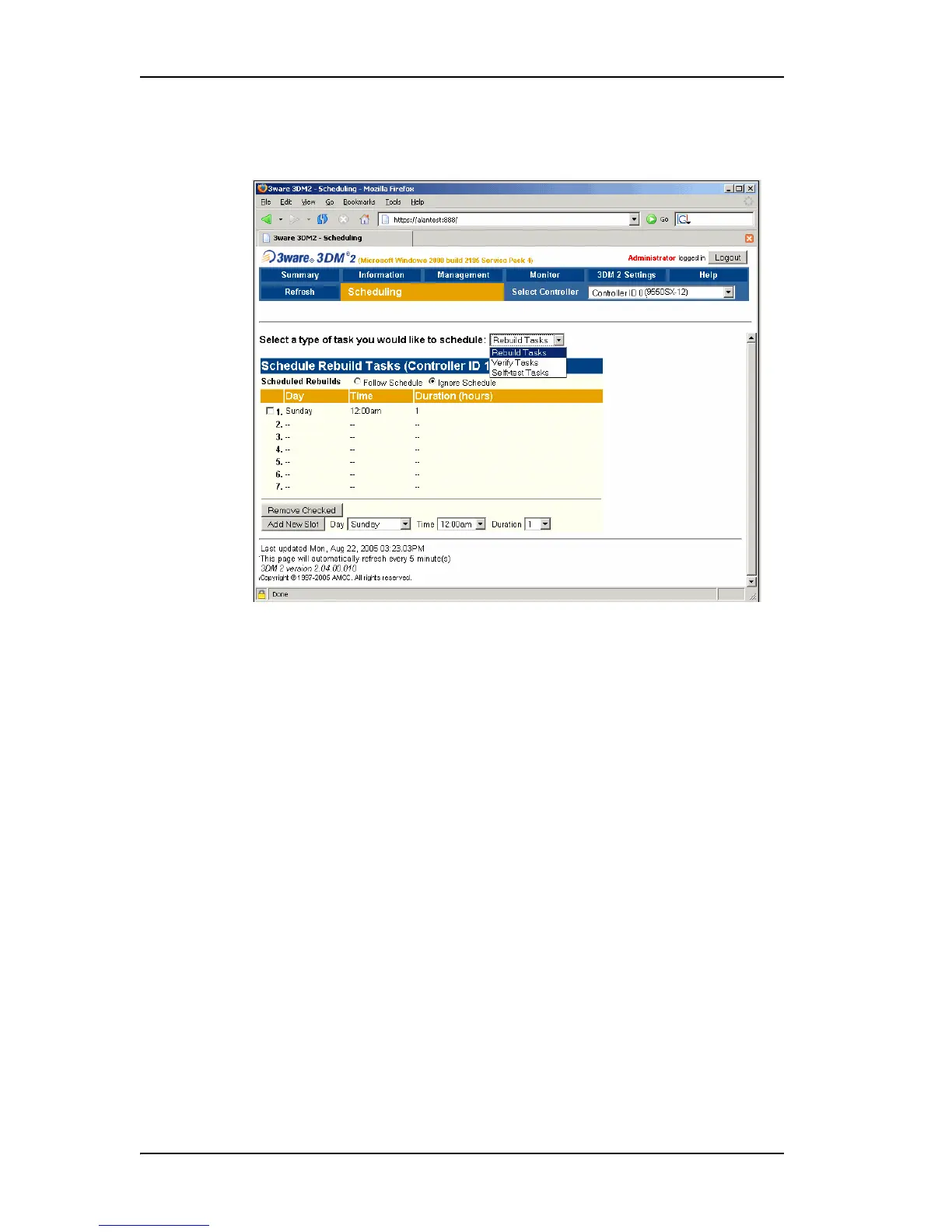
Figure 42. Scheduling Page
For 9000-series controllers, the Scheduling page appears when you choose
Management > Scheduling from the menu bar.
The Scheduling page is not available for 7000- and 8000- series controllers. If
you want to schedule tasks for one of those controllers, use 3DM Version 1.x.
You can also use the CLI in conjunction with the operating system schedulers.
For detailed information, see the 3ware KnowledgeBase article 12290, on the
website at http://www.3ware.com/kb/.
The Scheduling page lets you view and change the schedule for background
tasks that affect all units on the controller specified in the drop-down list on
the menu bar, including:
• Rebuild tasks (also applies to initialization and migration tasks)
• Verify tasks (also applies to media scans)
• Self-tests
You select the type of task for which you want to set the schedule from the
drop-down list at the top of the page.
You can also enable or disable use of the schedule for the selected background
tasks by selecting either
Follow Schedule or Ignore Schedule. When these



 To Next Page