Chapter 5. 3ware BIOS Manager 2 (3BM 2)
62 3ware Serial ATA RAID Controller User Guide
To change BIOS settings
1 On the main 3BM screen, Tab to Settings and press Enter.
2 On the pop-up menu, select BIOS and press Enter.
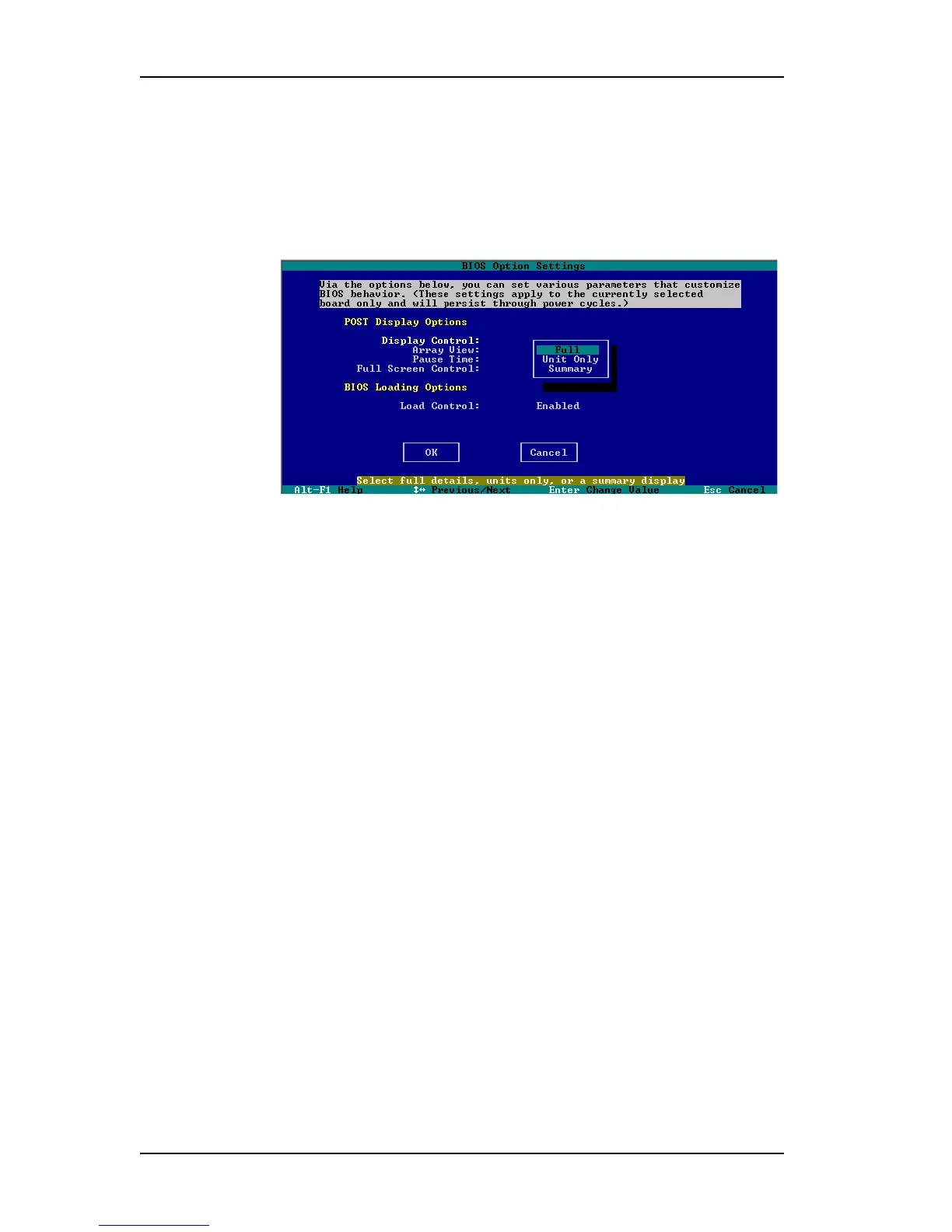
The BIOS Options Settings screen appears.
Figure 28. BIOS Option Settings Screen
3 Tab through the options and make the desired changes.
4 Tab to OK and press Enter to return to the main screen.



 To Next Page