Viewing and Seting Controller Policies
www.3ware.com 119
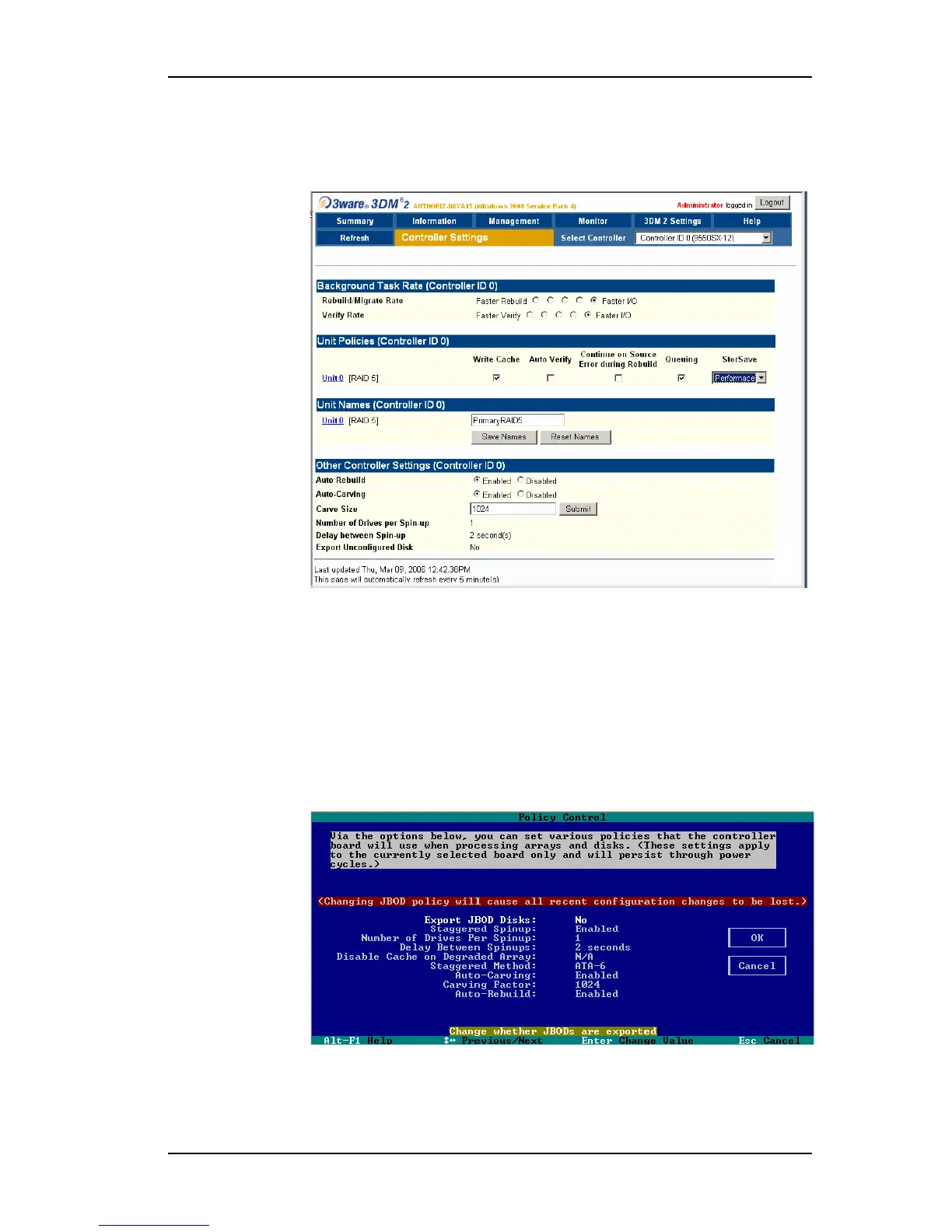
To view controller policies in 3DM
• Choose
Management > Controller Settings from the menu bar.
Figure 49. 3DM Controller Settings Page
To view controller polices in 3BM
You can also view and change these controller polices in 3BM, as shown in
Figure 50.
1 On the main 3BM screen,
Tab to Settings and press Enter.
2 On the pop-up menu, select
Controller Policies and press Enter.
The Policy Control screen displays.
Figure 50. 3BM Policy Control Screen



 To Next Page