Chapter 8. Configuring Units
160 3ware Serial ATA RAID Controller User Guide
Warning: Any data on the unit will be lost once the unit is
deleted. Backup any data that you want to keep.
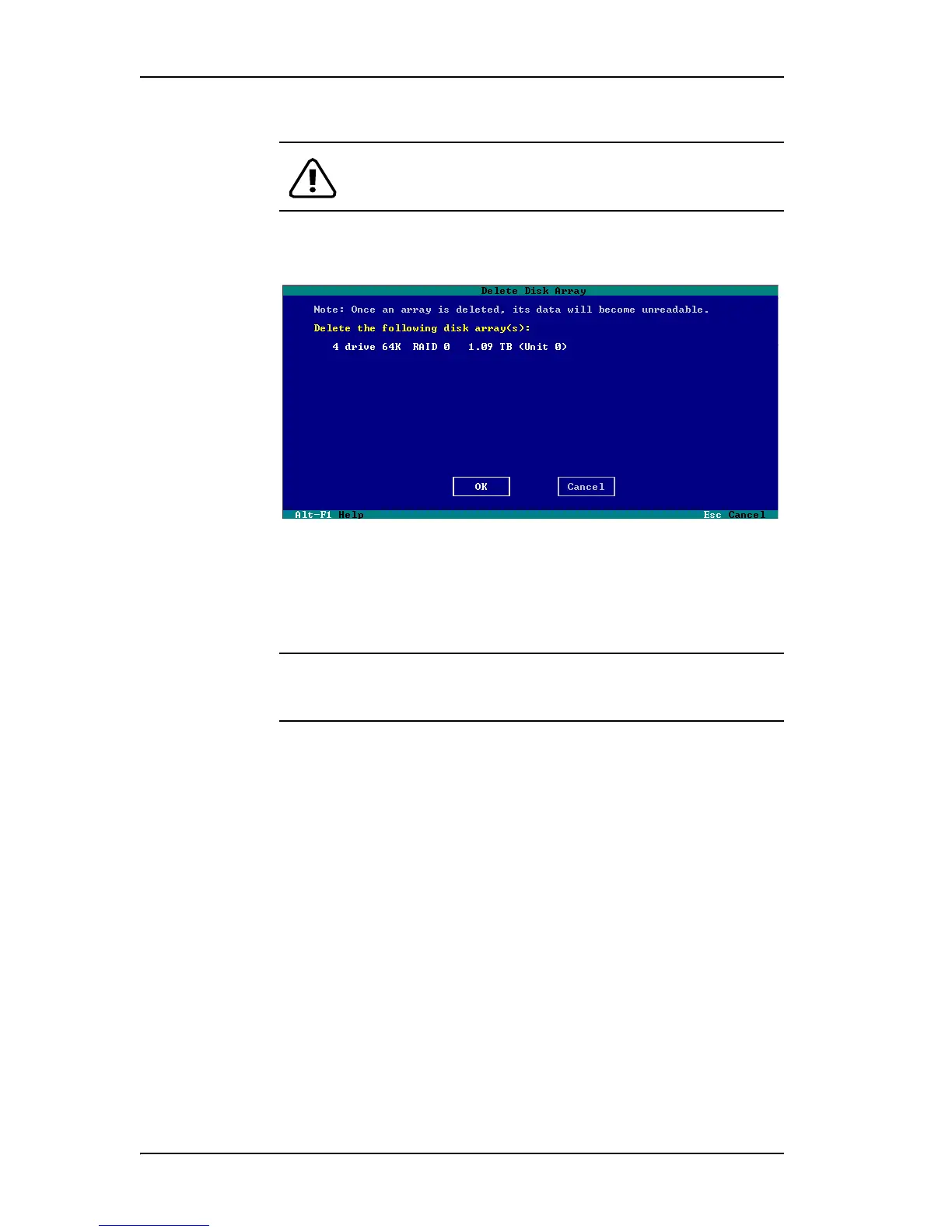
3On the Delete Disk Array screen, review the information about the unit to
make sure it is the one you want to delete.
Figure 67. Deleting a Unit in 3BM
4 Tab to the OK button and press Enter.
You return to the main 3BM screen, and the drives associated with the
unit now appear in the list of Available Drives.
Remember: The unit is not actually deleted and no data is overwritten
until you press the
F8 key to save your changes, or press Esc and select
Yes when asked if you want to save.
5
Press F8 to save your changes, or press Esc and then Yes.



 To Next Page