Updating the Driver and Firmware
www.3ware.com 205
You will see either one or two progress dialog boxes, depending on what
is being installed. Progress is shown during:
• Driver installation
• Firmware download and flashing of the controller
Warning: Do not power off the system while the firmware is
being flashed. Doing so will render the controller unusable.
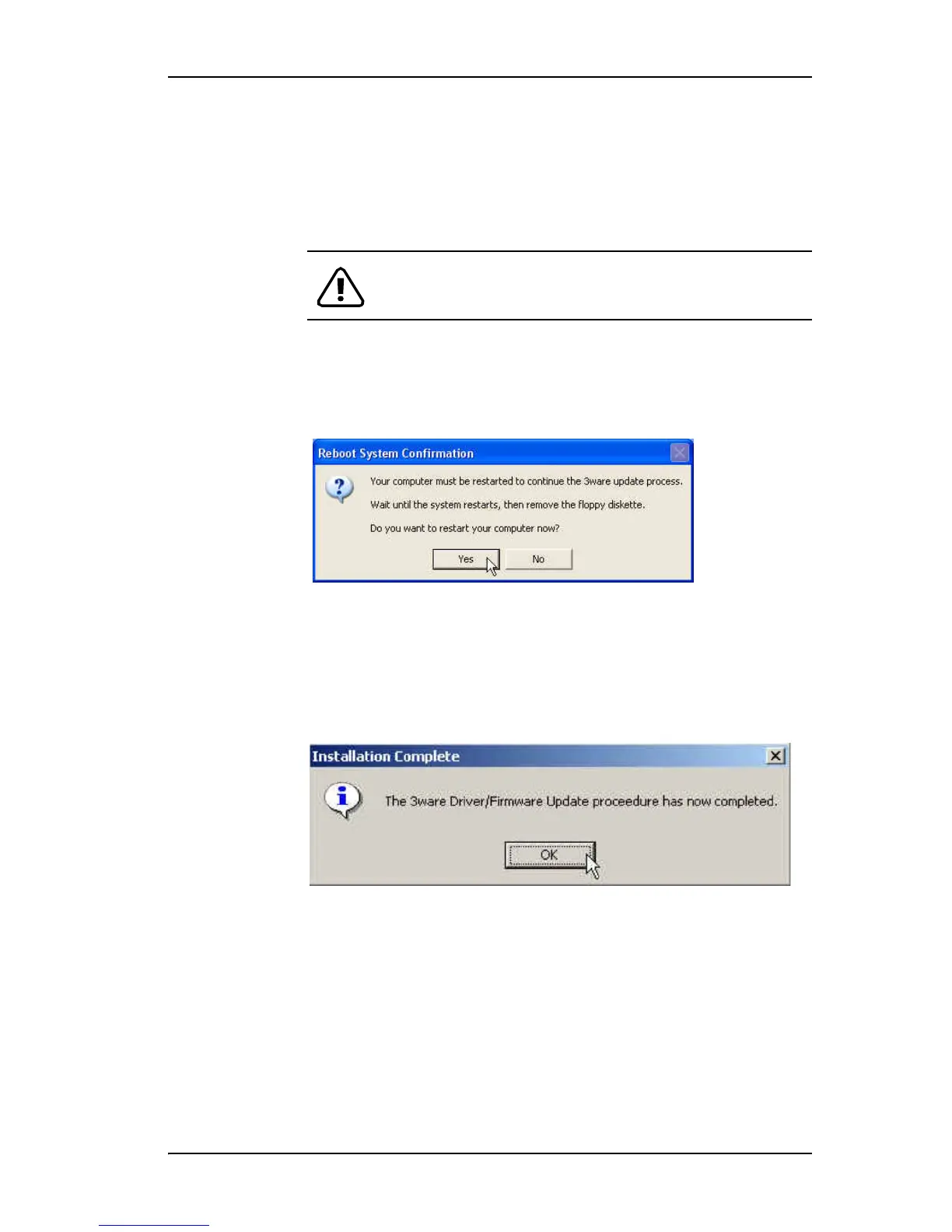
7 If a dialog box prompts you to restart your computer, click Yes to do so.
(If you were working from a driver diskette, be sure to remove the floppy
diskette before Windows reboots.)
8 If the driver you are installing is unsigned, you will receive a message to
that effect.
To complete the installation with an unsigned driver, click OK.
9 If a final message box confirms that the process is complete, click OK.
(This message appears if you do not need to restart your computer.)



 To Next Page