Updating the Driver and Firmware
www.3ware.com 209
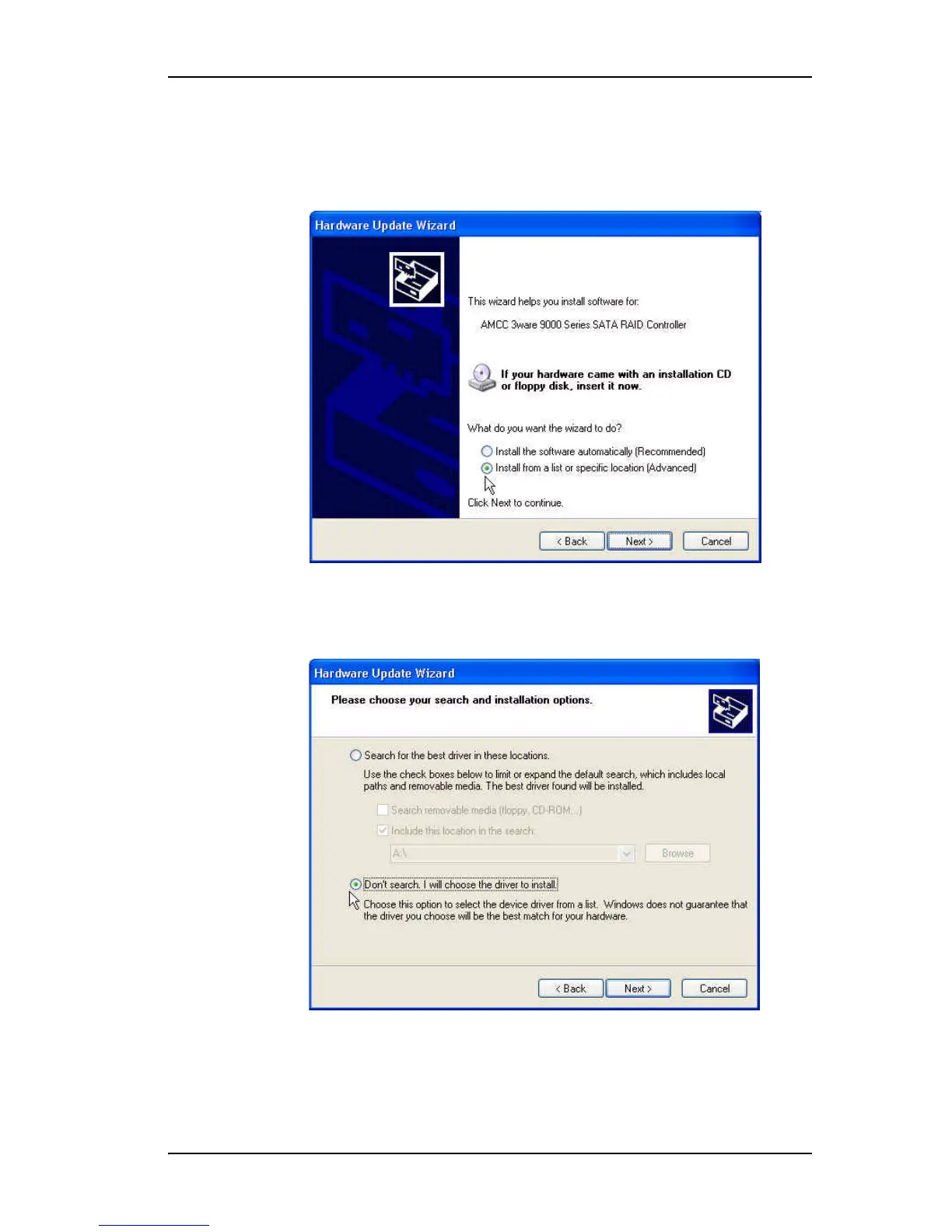
12 When you reach the Hardware Update Wizard screen shown in
Figure 84, select “Install from a list or specific location (Advanced)” and
then click Next.
Figure 84. Upgrade/Install Device Driver Wizard
13 At the next screen (Figure 85) choose “Don’t search. I will choose the
driver to install” and click Next.
Figure 85. Search for Driver Screen



 To Next Page