Chapter 10. Maintaining Your Controller
212 3ware Serial ATA RAID Controller User Guide
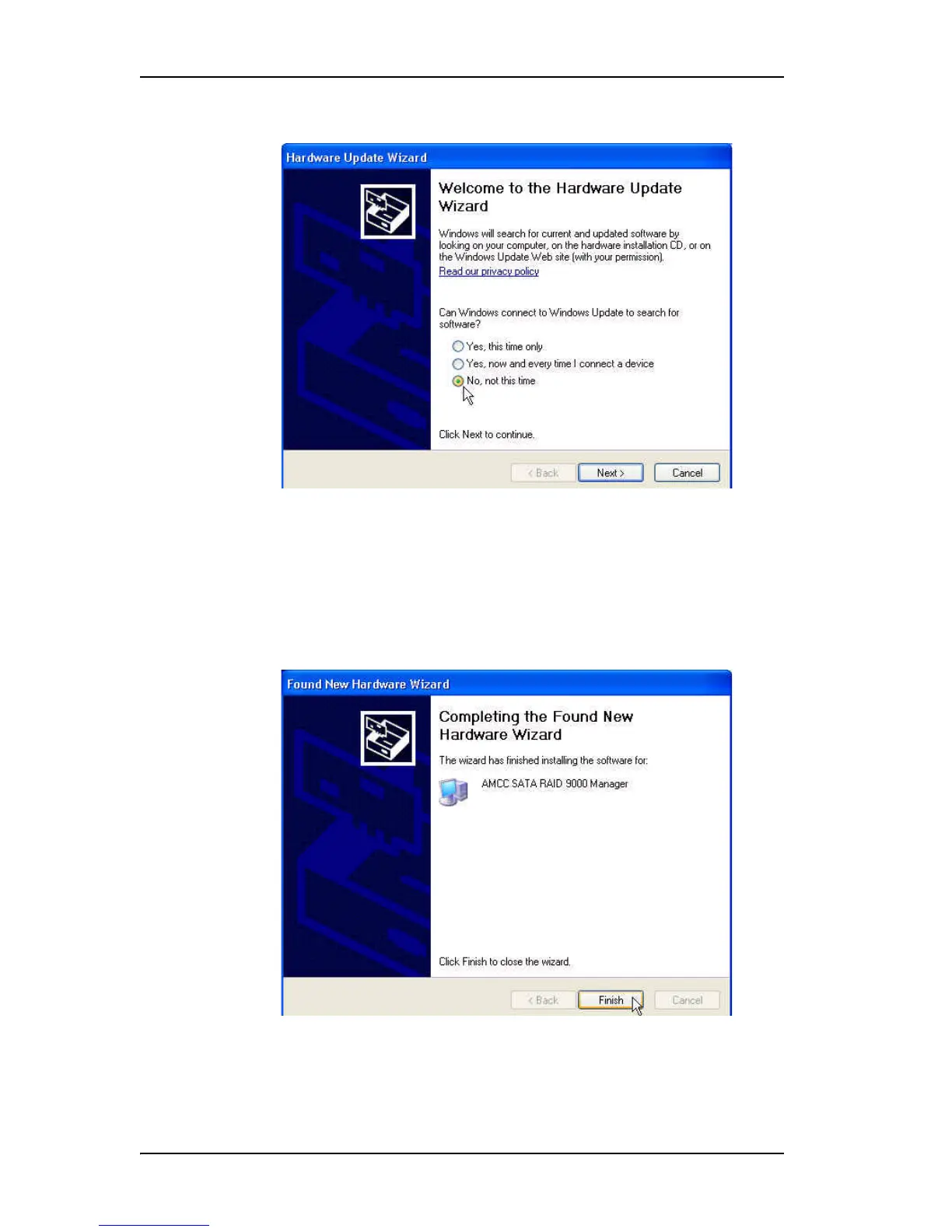
Figure 89. Found New Hardware Screen
20 Choose “No, not this time” and click Next.
At the next screen, leave the selection as “Install the software
automatically.” Click Next and follow the prompts on the screen.
21 When the second Completing the Found New Hardware screen
appears, click Finish.
Figure 90. Completing Found New Hardware Wizard



 To Next Page