REPORTS ACTWinPro
User List Report
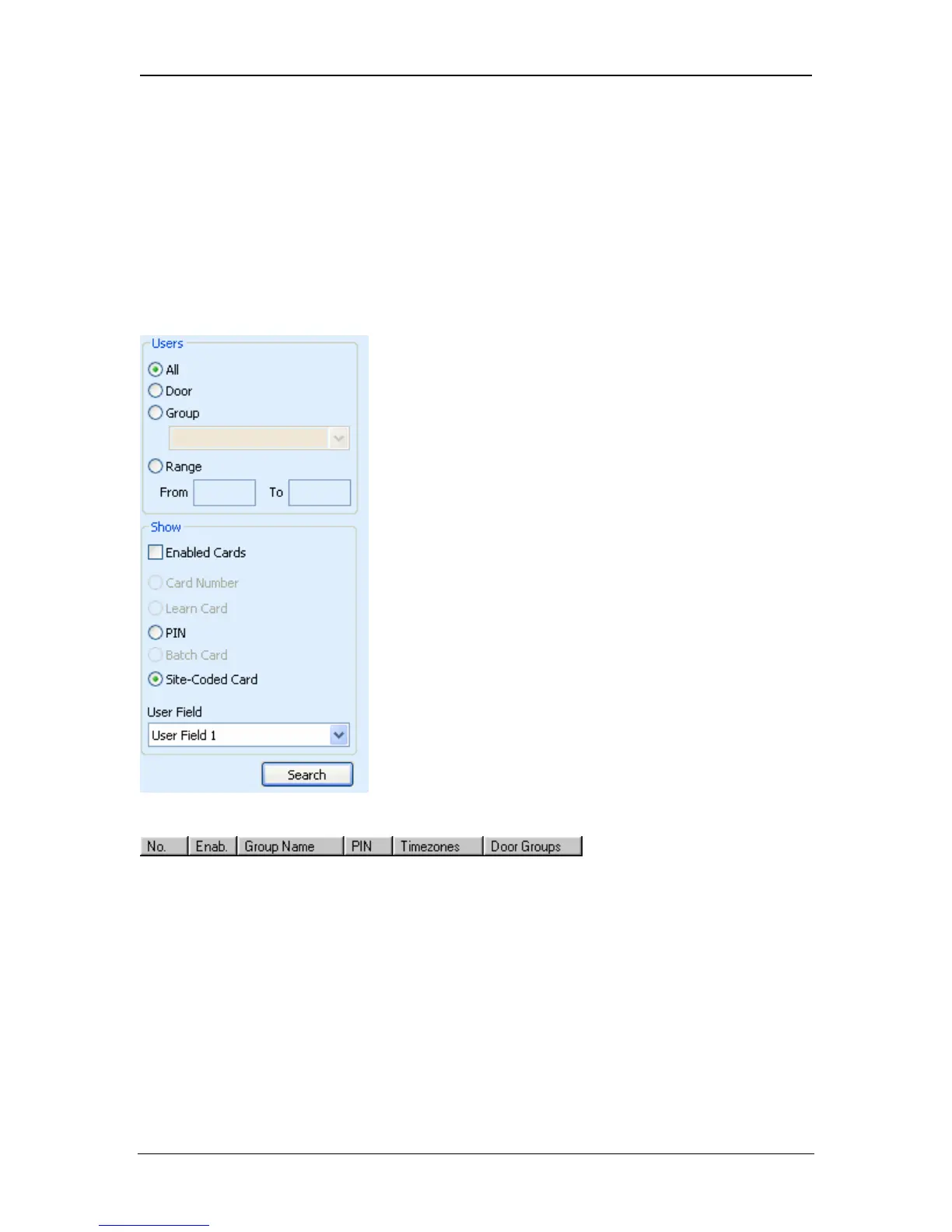
The user list is a tabular report showing listing a selectable range of users
defined in the database and the group to which each user belongs. The PIN and
enabled state of each group may also be shown. The following dialog is initially
displayed to allow selection of users and information to be included in the report.
The report may include all users, users in a particular group, or a numerical
range. The report may be limited to enabled cards only, and the user information
to be displayed may also be selected.
User Group List
The user list is displayed in five or six columns. The Number column is the record
number of the user in the database. The Enabled, User Name and (optional) PIN
columns show the enabled state, descriptive name, and User PIN code
respectively. The last column is the selectable field, this will show one of the four
user defined fields.
Operations
Several operations may be performed simultaneously on one or more users from
the list. Select the user (or users) to be operated on, and right-click to display the
operations allowed.
Page 98 Access Control Technology



 To Next Page