REPORTS ACTWinPro
Event Analysis
When the event analysis view is displayed, the right side of the ACTWinPro
screen displays the results of any log report. The left side displays the report
selection panel. The exact parameters for the report may be set up in the various
selection boxes.
Event List
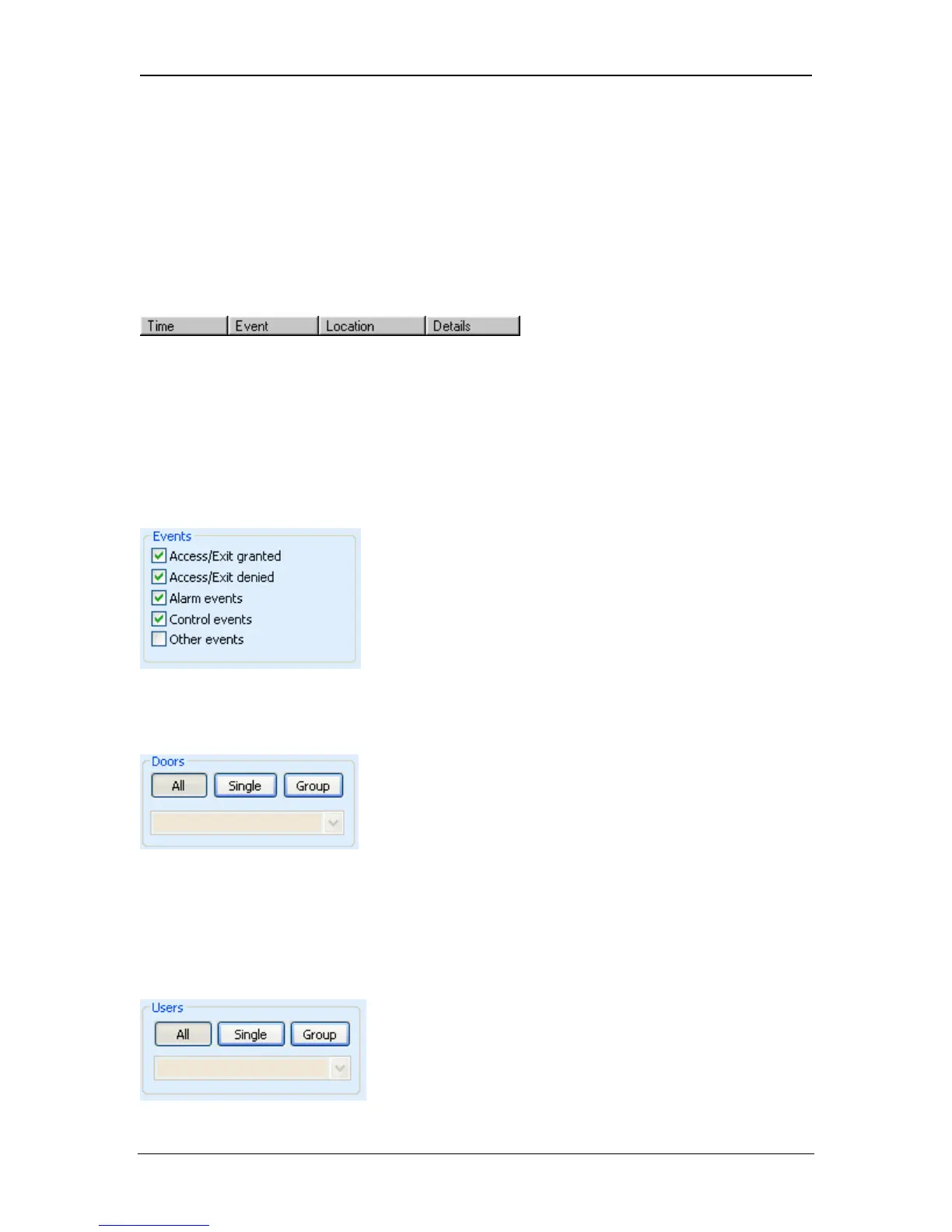
The events returned by the report are displayed in four columns. The Time
column is an exact timestamp of when each event occurred, according to the
clock on the relevant controller. The Event column contains a text description of
the event itself. The Location column specifies the name of the door or controller
where the event occurred. The Details column shows any other available
information, usually the name of a user being granted or denied access.
Log Report Selection
The Events box is used to restrict the range of events returned by the report.
Only events that fall into the categories that are checked will be returned.
The Doors box is used to restrict the events returned by the report to specific
doors. If the All button is pressed, then events for all doors will be returned. If the
Single button is pressed, then the Door Search Dialog is displayed to allow a
single door to be selected. If the Group button is pressed, then the drop-down
box may be used to select a particular door group.
Page 90 Access Control Technology



 To Next Page