REPORTS ACTWinPro
Time and Attendance Report
When the time & attendance view is displayed, the right side of the ACTWinPro
screen displays the results of the report. The left side displays the report setup
selection panel. The exact requirements for the time & attendance report may be
set up in the various query selection boxes. By default, the parameters will be set
up to generate a time and attendance report for all users over all hours on the
current day.
Report View
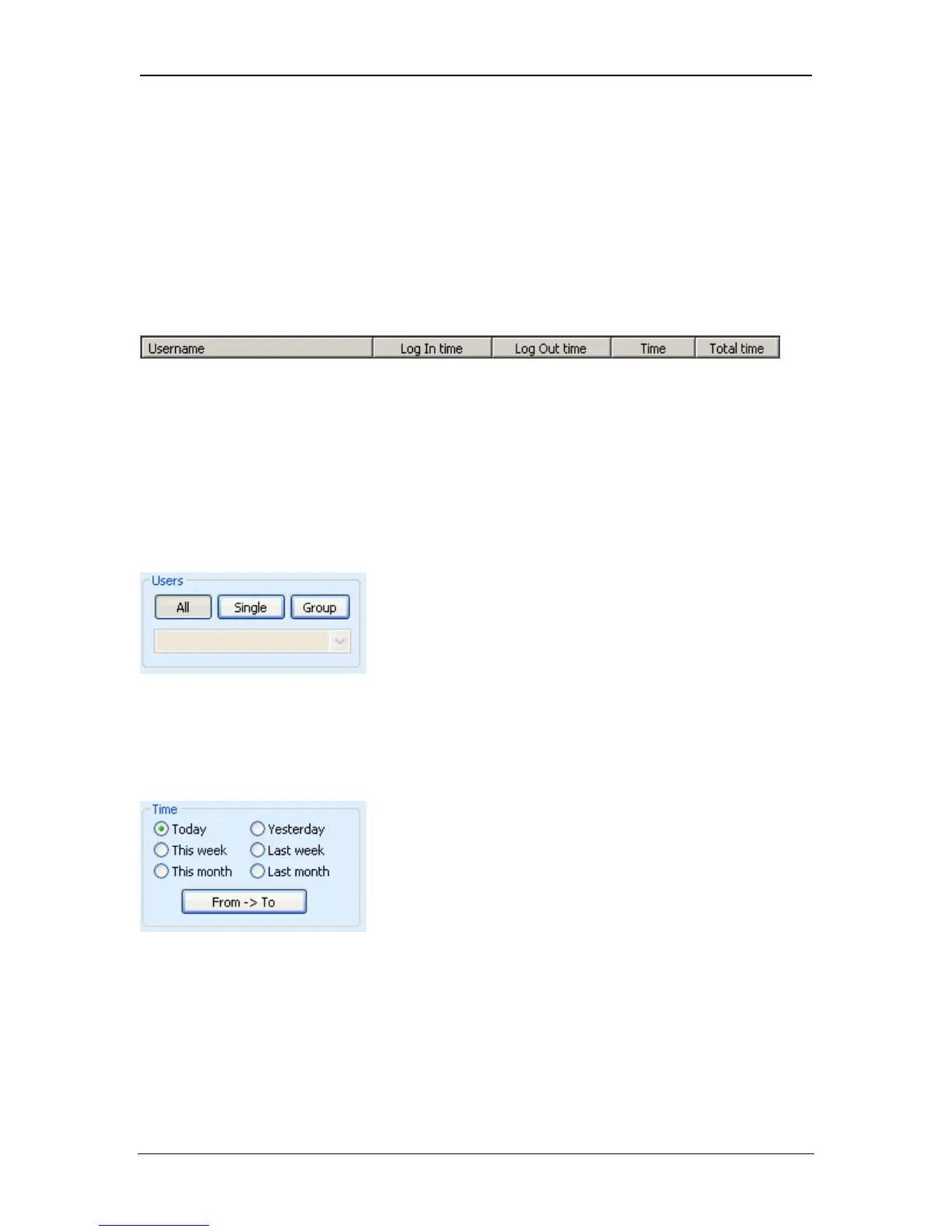
The report will display the entry and exit times for all selected users over the
selected period. Each individual day for which the user was present will be
displayed on a new line. Each individual time that user entered or left the
premises via perimeter doors will be listed in the Log In time and Log Out time
columns. If the time is displayed in a different colour then this indicates that a
manually entered event was used. If an entry or exit time is missing, it will be
flagged for manual resolution by question marks: ??:??. The operator should
determine the actual time when the user entered or left the premises, and enter
this manually via Manual Log Entry.
The Users box is used to restrict the time & attendance report to specific users. If
the All button is pressed, then events for all users will be returned. If the Single
button is pressed, then the User Search Dialog is displayed to allow a single user
to be selected. If the Group button is pressed, then the drop-down box may be
used to select a particular user group.
The Time box is used to restrict the events returned by the report to a specific
time range. If one of the six predefined ranges is selected, then events occurring
at any time of day during the specified periods will be returned. If the From->To
button is pressed, then the Time Range Dialog is displayed allowing a more
detailed time period to be defined for the report.
Page 95 Access Control Technology



 To Next Page