FILE MENU ACTWinPro
Connect
This option connects to the access control system.
If the system has only one Location then an immediate connection is made to all
controllers on the network.
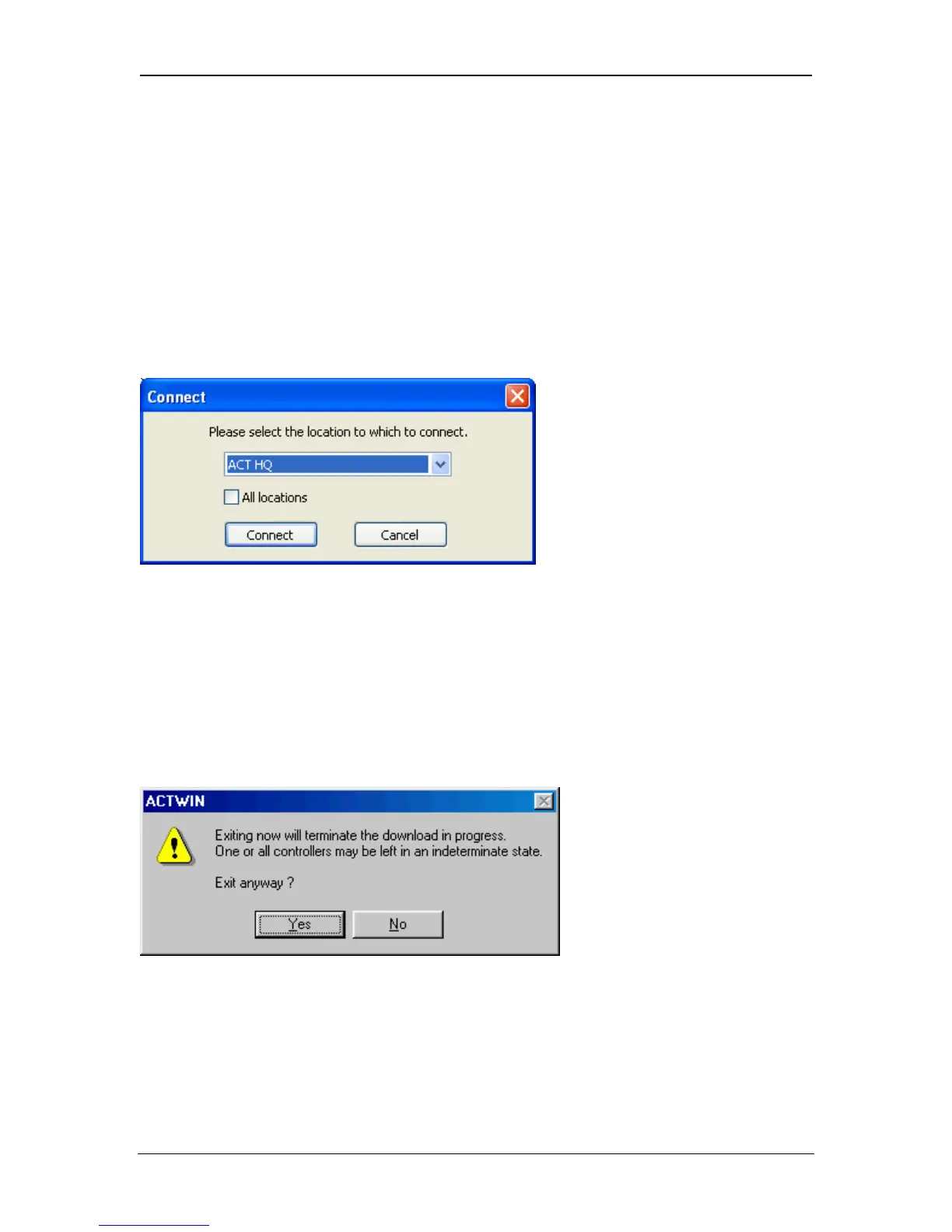
If the system has several Locations then the following dialog is displayed to allow
selection of which Location to connect to:
Disconnect
This selection disconnects the PC from the site (or sites). This must be done
prior to exiting the program.
If a download is in progress, the following dialog is displayed for confirmation:
Page 32 Access Control Technology



 To Next Page