DATABASE MENU ACTWinPro
OP3 = Any door open
When this option is selected, the OP3 output on door 1 operates if any of the
doors connected to the controller are open.
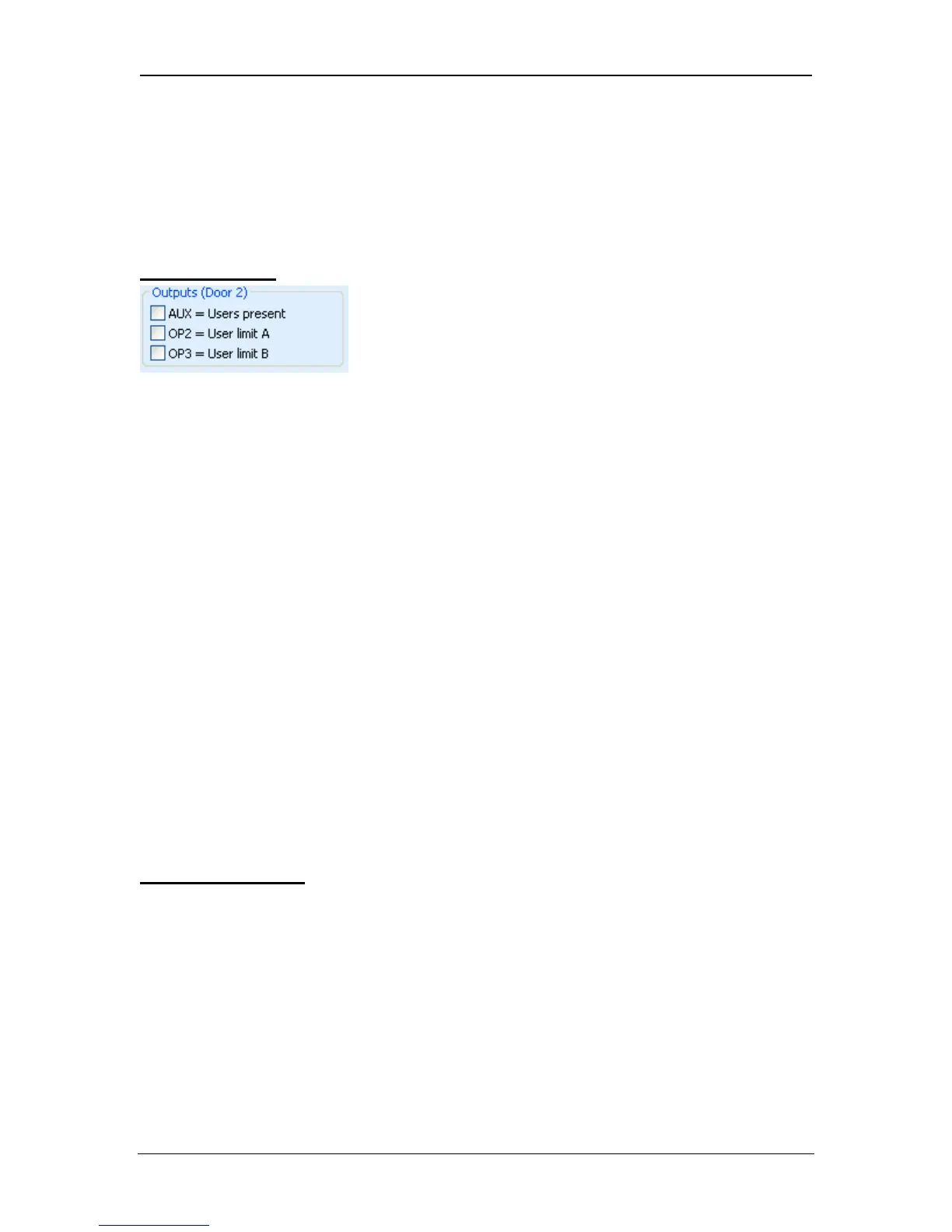
Door 2 Outputs
AUX = Users present
When this option is selected, the AUX output on door 2 operates while one or
more users are within the antipassback or perimeter area (if configured). The
output activates immediately a user enters the defined area, and de-activates
when all users have exited. The deactivation of the output will be postponed by
the period of time defined by the delay timer. This may be used (for example) to
switch off lighting when no users are present, or to indicate to an alarm system
that it is clear to arm.
OP2 = User Limit A
When this option is selected, the OP2 output on door 2 operates when the
number of users within the antipassback or perimeter area reaches or exceeds
the pre-programmed limit A in the Doors property page.
OP3 = User Limit B
When this option is selected, the OP3 output on door 2 operates when the
number of users within the antipassback or perimeter area reaches or exceeds
the pre-programmed limit B in the Doors property page.
Note that the user counting outputs operate on an individual controller basis.
Only one area per controller (perimeter OR antipassback) may be defined. To
have multiple independent areas, use more than one multi-door controller.
Controller Options
The controller options are a set of hardware specific options used to modify the
behaviour of the door controller. Some or all options may be unavailable or
ignored on controllers that do not explicitly support them.
Keypad sound
This option instructs the controller to make a small audible beep for confirmation
whenever a key is pressed. This option is enabled by default.
Show status
Page 45 Access Control Technology



 To Next Page