DATABASE MENU ACTWinPro
Name
The Name field is a textual description of the controller. This will be displayed in
logged events and in the system tree for identification purposes. A single
controller may control several doors, so it is usual for the name to indicate the
physical location of the controlled doors, i.e. "First Floor". The name may be up
to 32 characters in length.
Location
The location field is a drop-down box which shows all the possible locations for
the controller. The controller can be connected directly to the PC or may be
connected remotely via modem or TCP/IP LAN.
Type
The type field is a drop-down box which is used to indicate the hardware type of
the controller, e.g. ACT1000 or ACT2000 or ACT3000. ACTWinPro used this
information when downloading information as different controllers may have
different features and capabilities.
Outputs
Normally the operation of the OP2, OP3 and AUX outputs on a controller are
governed by the settings for the onboard door(s) and also by the options of users
or groups of users. However, on an ACT2000 or ACT3000 controller, the Output
Options allow one or more of these outputs to be configured for other purposes.
The controller output options allow the onboard OP2, OP3 and AUX outputs on a
multi-door controller to perform different functions to those normally programmed
by the door or user settings.
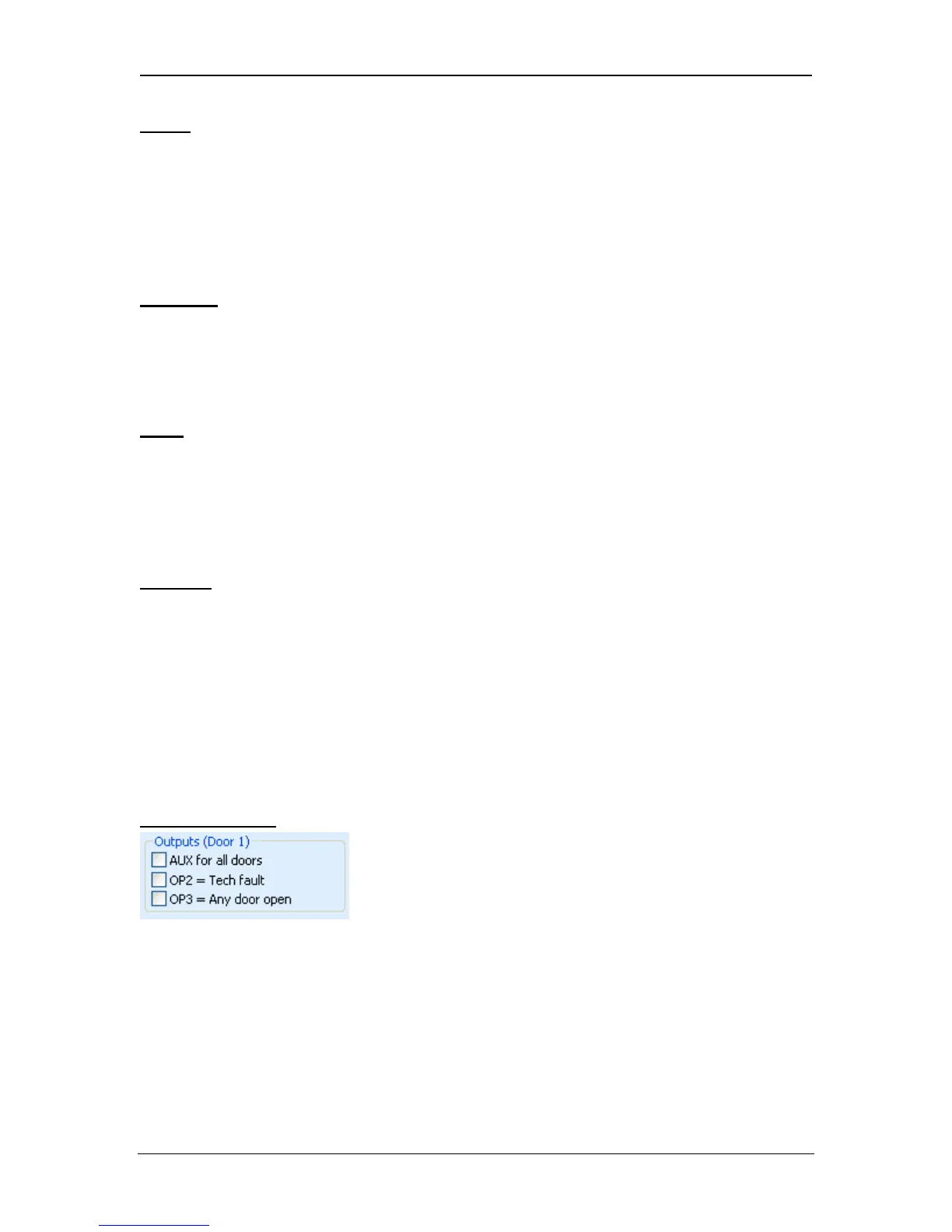
Door 1 Outputs
AUX for all doors
When this option is selected, the AUX output on door 1 operates if the AUX
output for any of the doors connected to the controller is active.
OP2 = Tech fault
When this option is selected, the AUX output on door 1 operates if a technical
fault condition exists. Technical faults include mains faults, tampers or doors
offline.
Page 44 Access Control Technology



 To Next Page