DATABASE MENU ACTWinPro
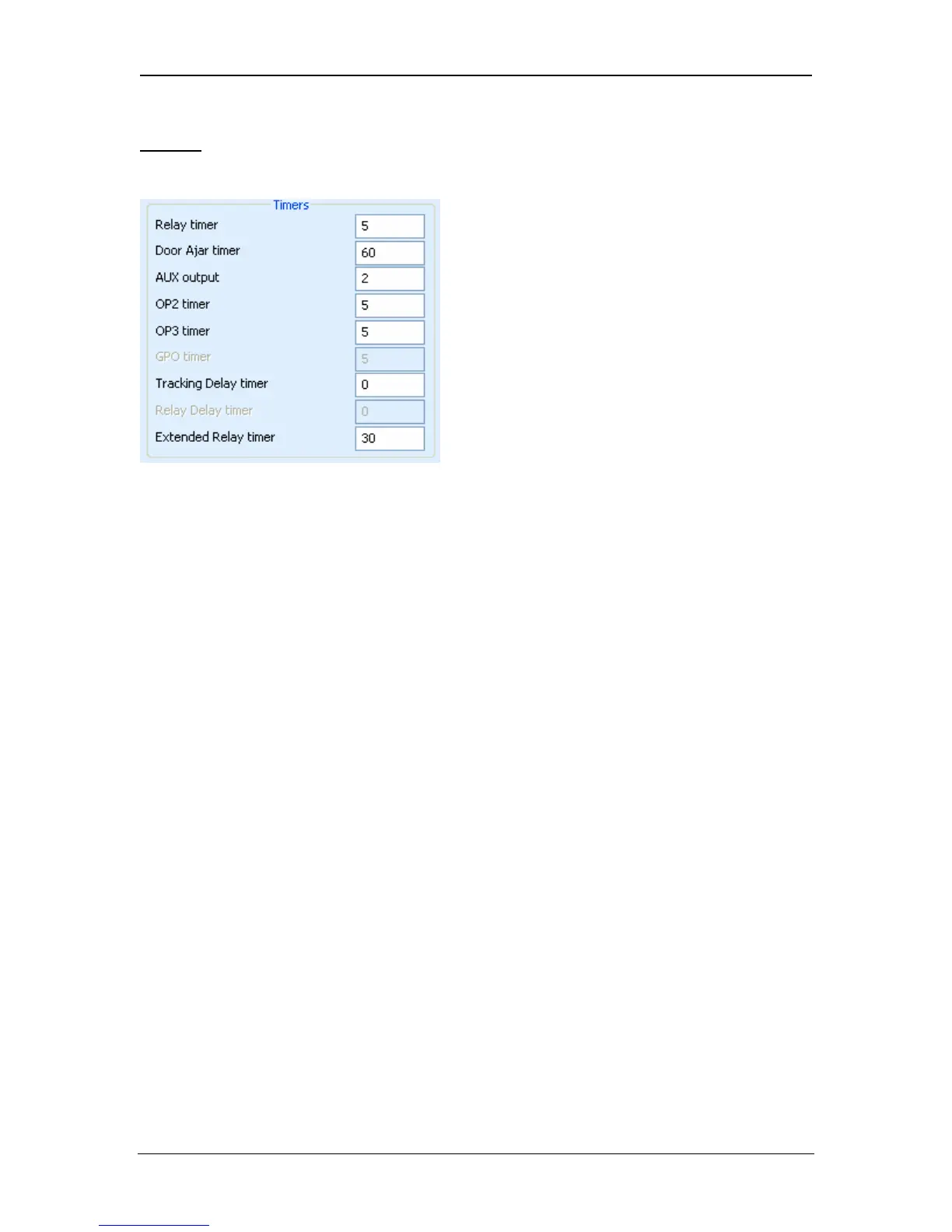
Timers
The timers box allows setting of various Door Timers. Use the drop-down box to
select a timer to view, and set the desired value in the Seconds box.
Each door contains a number of timers that govern the timing of various aspects
of the operation of the door. The timers may be set to any period from 1 to 999
seconds. Door stations will support a maximum duration of 127 seconds.
Relay timer
This period determines how long the door relay is activated in response to a valid
card or to operation of the request-to-exit (egress) switch.
Door ajar timer
This period determines how long the door may remain open before a door ajar
condition occurs.
AUX output
This period determines how long the AUX (buzzer) output is activated when it is
fired.
OP2 timer
This period determines how long the OP2 output is activated when it is fired.
OP3 timer
This period determines how long the OP3 output is activated when it is fired.
Tracking Delay Timer
This period determines how long the controller waits before updating the count of
the number of users in the tracking area.
Relay Delay Timer
When access is granted, the door will not be opened for this period. After this
time elapses, the door is opened.
Page 49 Access Control Technology



 To Next Page