DATABASE MENU ACTWinPro
User Group
The user group view is a window into the user group information stored in the
ACTWinPro database. Using the record navigation buttons on the toolbar or the
Record menu, individual groups may be selected and viewed. The right side of
the screen displays information about the selected group and allows it to be
edited. The left side of the screen displays the System Tree.
Group Number
The user group number is a unique number between 1 and 1000. It is the record
number of the group in the ACTWinPro database. The field is usually read-only; it
may be altered only when creating a new record.
Group Name
The group name field is a textual description of the group. It is normal for the
name to indicate the category of user that will be assigned to this group.
Although the name may be up to 32 characters in length, only the first 16
characters will be visible locally on the door controller LCD.
Elevator Group
An Elevator Group may be assigned to the group which determine which floors
the user is allowed access to and at what times.
Disabled
Check this box to disable all users that have been assigned to this group.
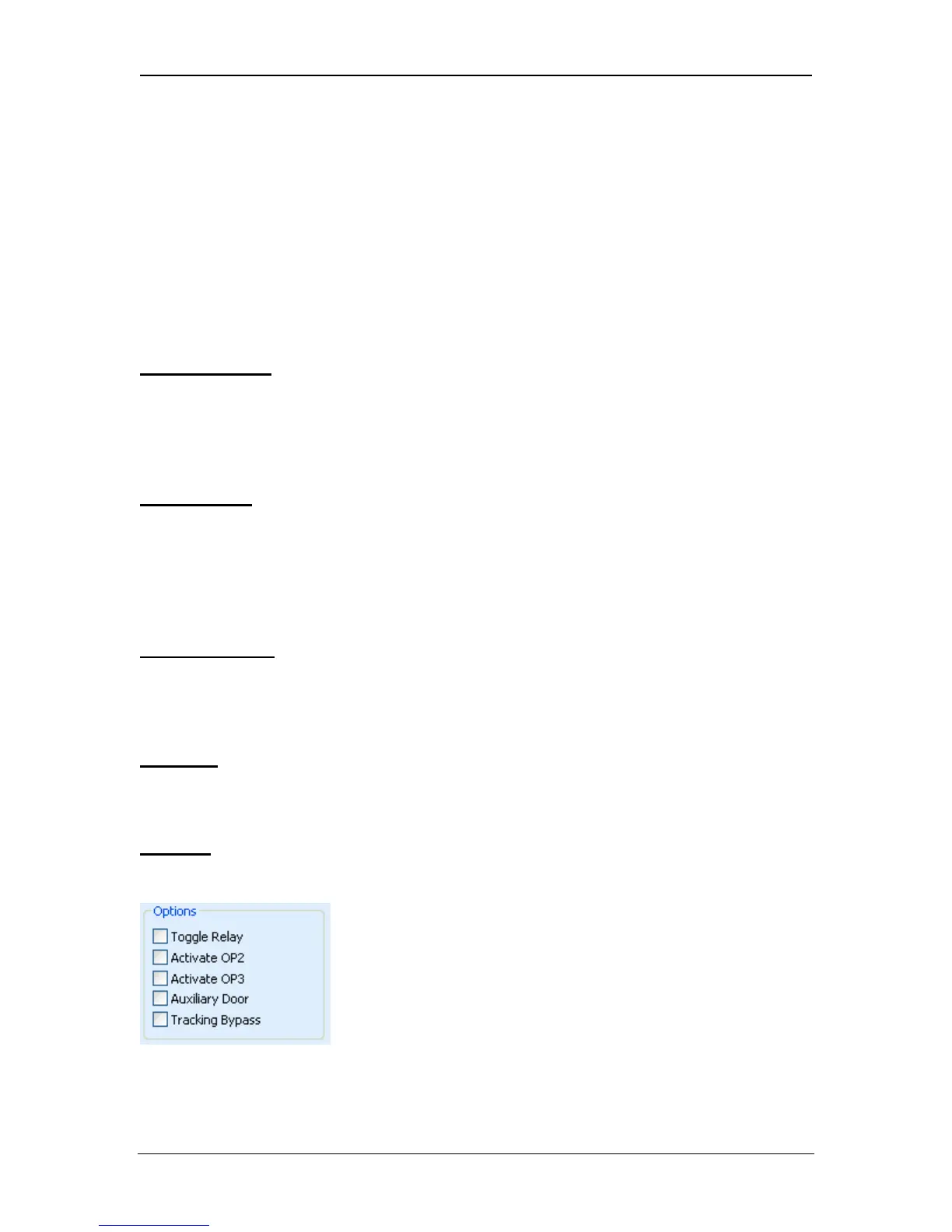
Options
The group options box contains a number of Group Options that may be
configured for this group.
Toggle Relay
Page 60 Access Control Technology



 To Next Page