DATABASE MENU ACTWinPro
Period
The period field consists of two time values. Times are entered in 24 hour format
(i.e. 08:00 or 15:45).
Timezone
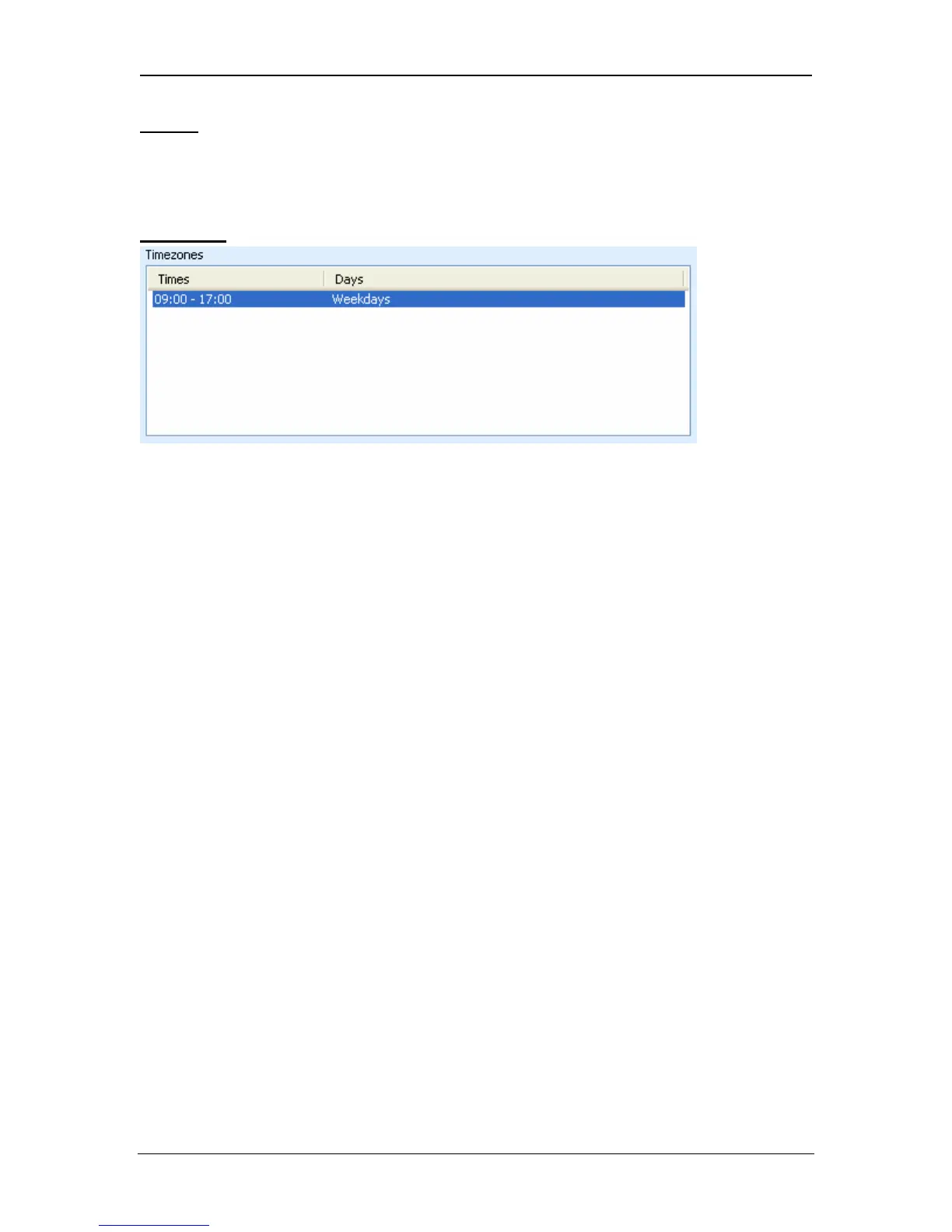
The timezone list box contains up to five periods of time that together constitute
the timezone. Each period consists of a From-To time range along with the days
settings for which this particular period is valid. Periods may overlap; the
timezone is active when any of its periods are active.
• To add a period, enter the desired time range into the From and To fields.
Select also the days and holidays for which the period is to be valid, then
press the Add button.
• To remove a period, simply select it and press the Remove button.
Page 66 Access Control Technology



 To Next Page