FILE MENU ACTWinPro
File New
This option allows a new ACTWinPro database to be created. The new database
will have default values for system settings and will contain no users, doors or
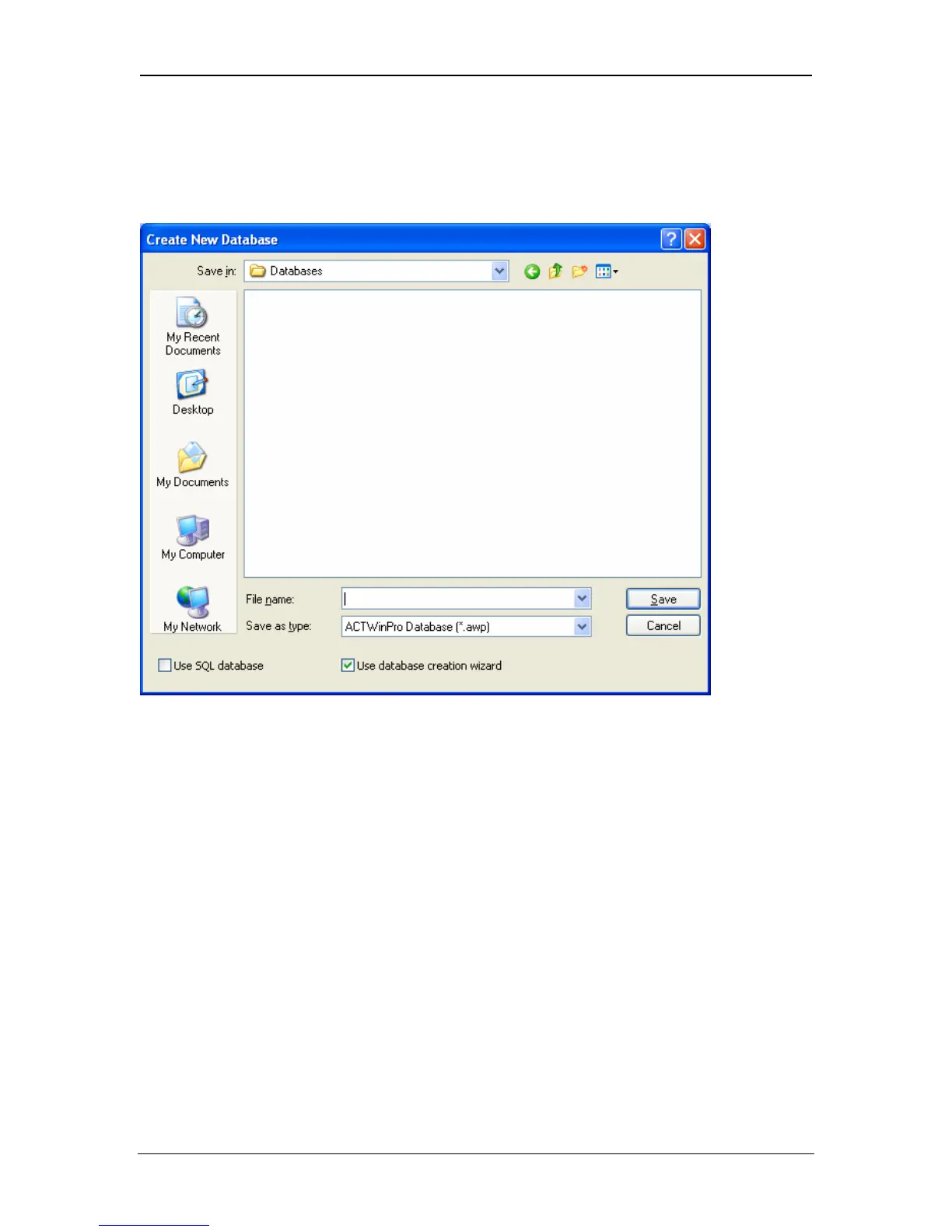
controllers etc. The following dialog is displayed.
The directory where the new database will be created may be selected using the
directory navigation buttons. The name of the new database should be typed into
the File name box. Pressing the Save button will create and load the new
database. This will close any currently loaded database. If a database of the
same name already exists, then a dialog will be displayed giving the option of
overwriting the original one.
Select the Use Database Creation Wizard to set up the database using the
Database Creation Wizard. The tick box is selected by default.
Page 30 Access Control Technology



 To Next Page