SYSTEM OPTIONS ACTWinPro
Database Access Rights
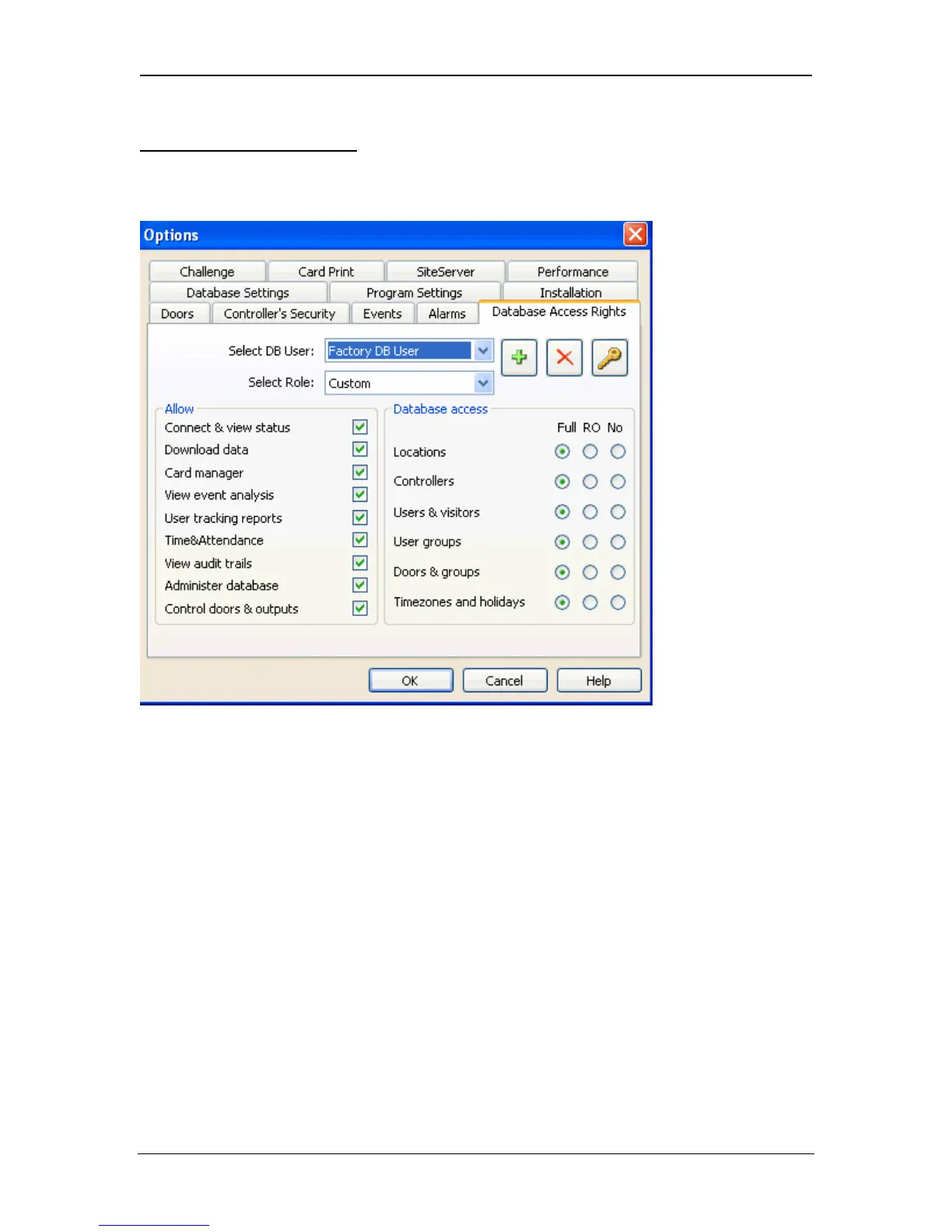
Use this Option to configure the access rights for each user of ACTWinPro (in
ACTWinPro Lite this dialog has limited functionality).
Select DB User
The default database user is Administrator. The administrator is allowed full
access to the database. Click the Add (+) icon to add a new user. Give the new
user a name and a password.
Select Role
A number of predefined roles are preconfigured for convenience. Custom allows
the user to have customised access to the database. Administrator is allowed full
access to the database. Operator is the role that should be used for most day-to-
day users of ACTWinPro. It allows viewing of most settings but only allows
changing settings for Users. Security Staff provides low-level access to the
database. In this role, nothing can be changed in the database but log events
may be viewed.
Allow
Select which ACTWinPro menus and functionality to allow the user access to.
Database Access
Page 78 Access Control Technology



 To Next Page