SYSTEM OPTIONS ACTWinPro
Database Settings
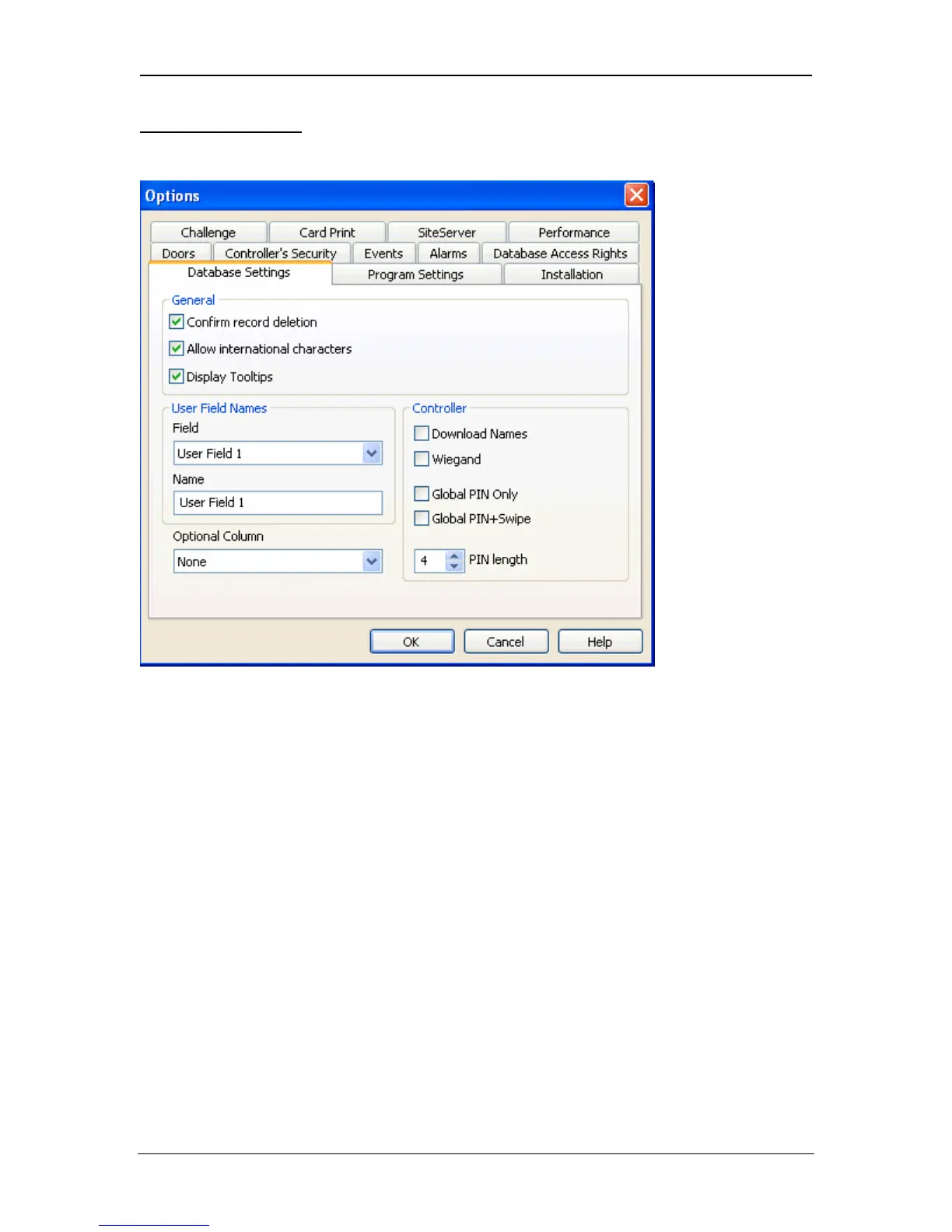
The Database Settings page allows a number of general system options to be
specified, and also allows the user field descriptions to be changed.
Confirm record deletion
Check this box to display a confirmation dialog box whenever database records
are deleted.
Allow international chars
Check this box if you are connecting to controllers which correctly display
European character sets. If connecting to controllers that display only English
characters, leaving this box unchecked will prevent unsupported characters from
being entered into certain database fields.
Display Tooltips
Each item on the screen has a tooltip associated with it, which displays when the
mouse is left over the item. These tooltips may be turned off.
User Field Names
The descriptions of the ten general-purpose user fields in the User Database
View may be changed to display a more meaningful description of the
information that is being stored. All the ten user fields are searchable via the
User Search Dialog.
Page 84 Access Control Technology



 To Next Page